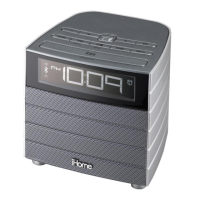
iD9
Using the
Getting Started
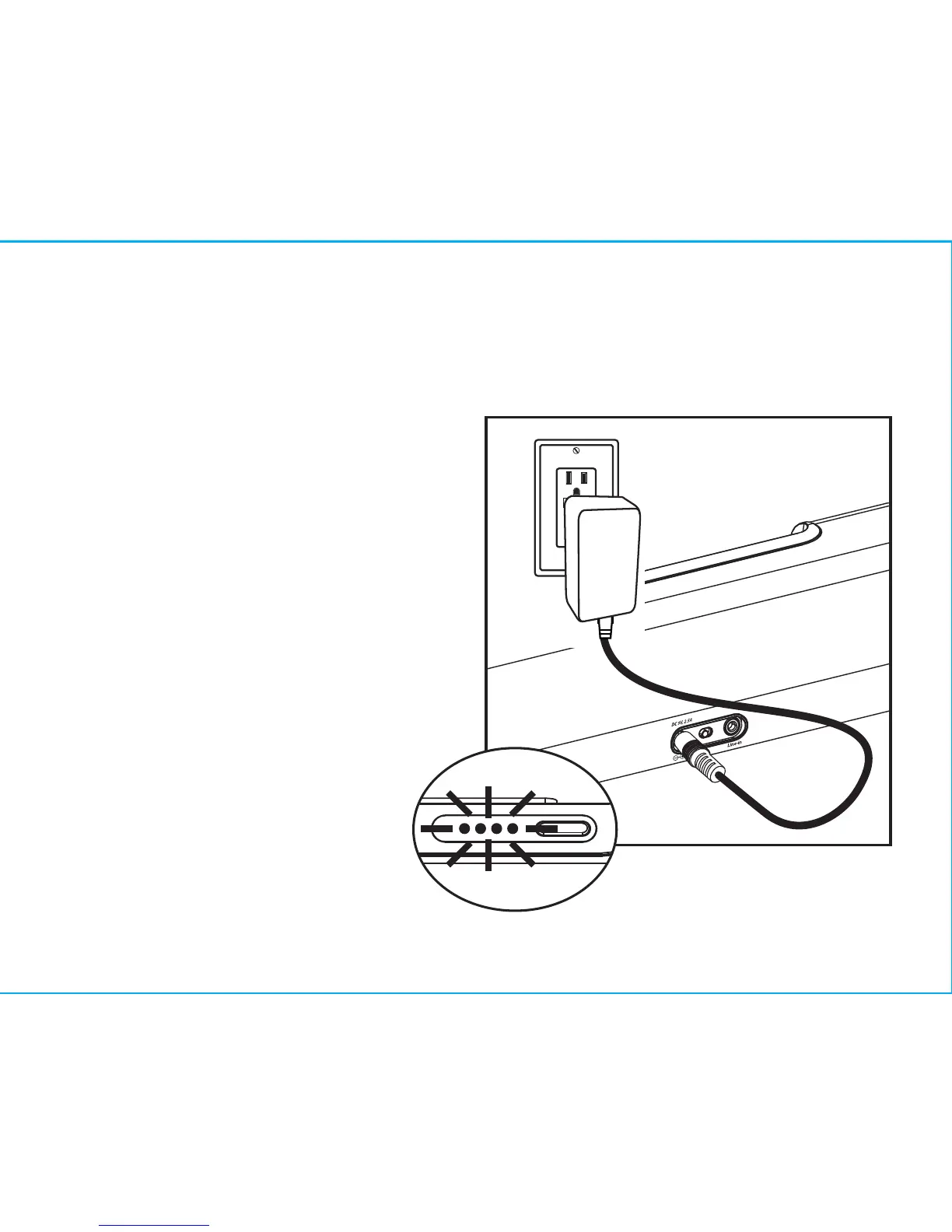
1.Plug the 100V - 240V universal
switching AC adapter into the DC
jack on the rear of the iD9 and
the other end into a working
outlet. A row of 4 white LED
indicators will light up, indicating
the unit has power and has begun
charging the internal battery. If the
white lights do not appear, try
activating any wall switch that
controls the outlet, or try using
another outlet.
3
1
RESET
RESET
TEST
TEST
P7


 To Next Page