Charging the Unit
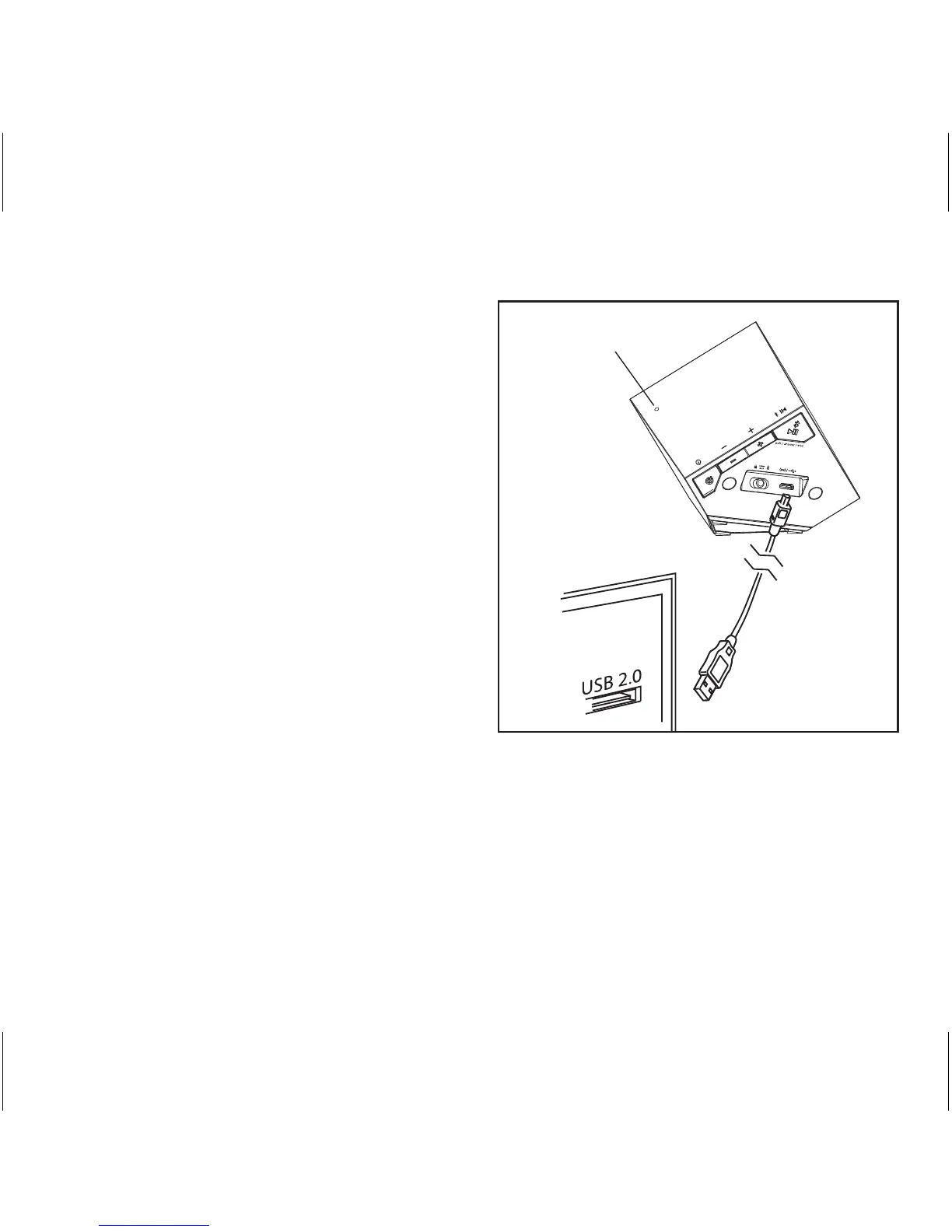
1. Connect the micro USB plug to the micro
USB charging port on the back of the
speaker.
2. Connect the standard USB plug end of the
cable to a powered USB port on a
computer or other USB charging device.
For first time use, charge unit for about 8
hours.
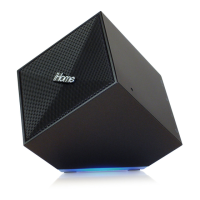
3. A red light pulses slowly through the
base while the unit is charging and
glows steadily blue once unit is fully
charged.
P7
NOTE: When the unit is ON and not
connected to power source, a pulsing blue
light indicates low battery (25% - 10%),
and a quickly flashing red light indicates
battery needs charging (less than 10%).
3
Built-in mic


 To Next Page