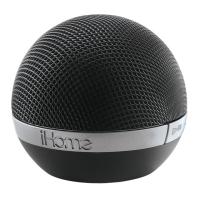
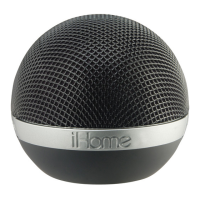
iDM12
Using the
4
Using Bluetooth: Pairing Your Device
P8
NOTE: See the iDM12 Bluetooth Connection Guide for complete
pairing details.
1. Move the Bluetooth/Aux Switch to the Bluetooth position (left).
2. Turn on Bluetooth capability on your device and make it
discoverable (see your device’s instructions to add or setup a
Bluetooth device).
3. To turn on the unit, press and hold the Play/Pause/Pairing Button
on the iDM12 until an amber light flashes on front of the unit and it
beeps twice to indicate auto-pairing attempt. The amber light will
flash while the unit attempts to pair. If your device asks for a
password, enter 1234 on the keyboard of your device.If no device
is paired within 3 minutes, the unit will power off. If this occurs, retry
steps 2-3.
4. Once paired with a device, the amber light will glow steadily, then
turn green. There should be an indication on your device that
pairing is complete. On some devices, you must then select “use as
a stereo audio device” or similiar on the device’s Bluetooth
menu.Once paired, your device should link to the iDM12 whenever
within range.


 To Next Page