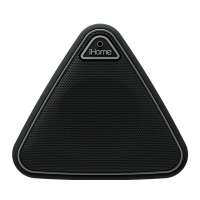
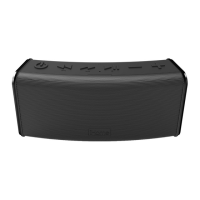
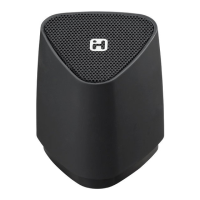
Using the iHM64
NOTE: A special battery-saving feature prevents the speaker
from powering on unless the micro-USB plug is connected.
Check your USB connections before using.
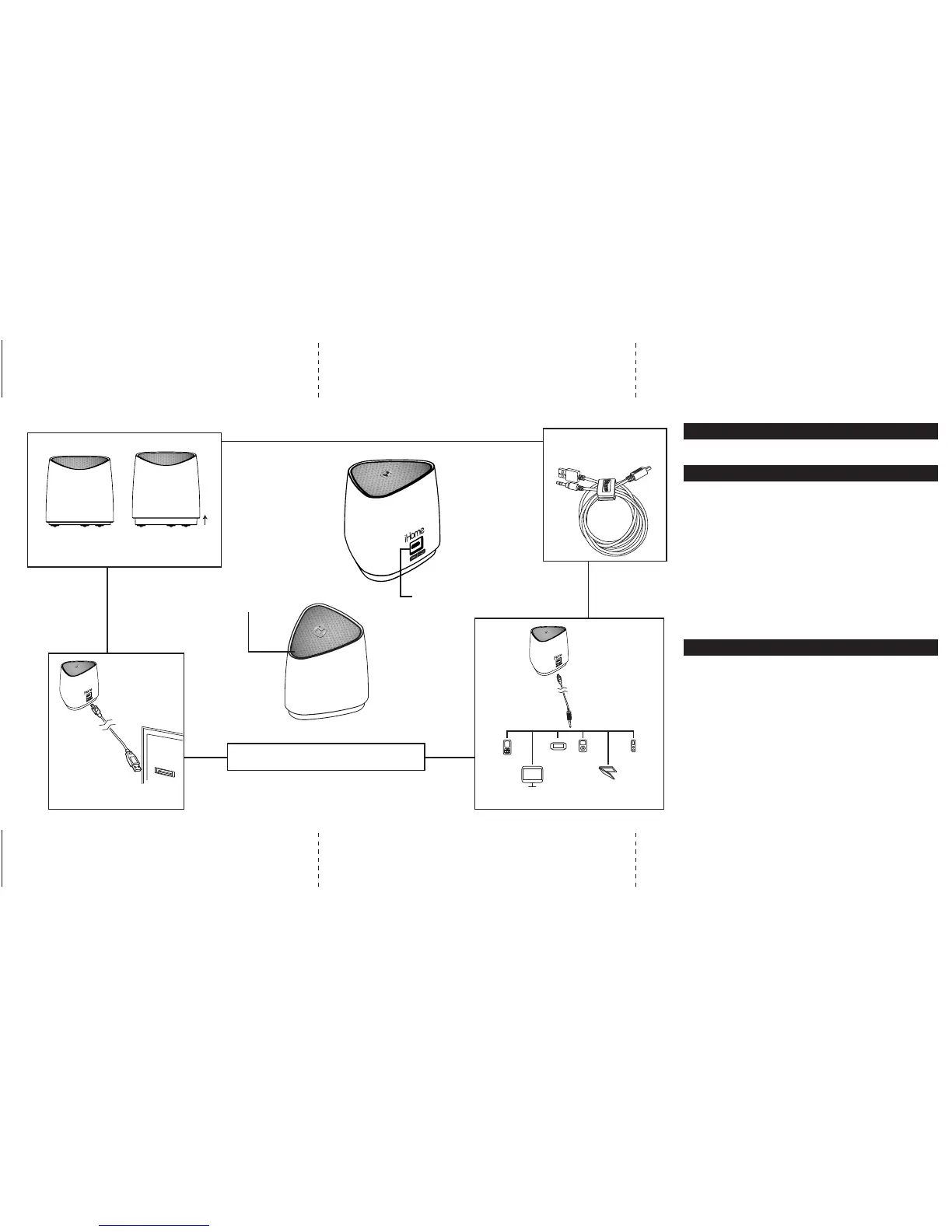
• Connect the micro-USB plug to the USB connection on the
speaker.
• Connect the 3.5mm audio plug to the headphone jack or
line-out of any audio device.
• Press down on the speaker to turn it ON. The white Power
indicator light will come on. (Pressing down again will turn
the speaker OFF).
• Press play on your audio device and adjust its volume to
listen to audio.
Note: the larger USB plug is used for charging only, not
for audio. Please refer to next section for charging
Connecting the iHM64
The iHM64 is powered by a rechargeable battery in the
speaker. When the white power light dims, or if you start to
notice sound distortion at higher volumes, it's time to recharge
the battery.
• Connect the larger USB plug to a powered USB port, such as
that on a computer. The indicator light on the speaker will
turn to red while charging and turn white when fully charged.
Note: you can continue to listen to the speaker while it is
charging.
Charging the iHM64
Charging the iHM64 Connect To Audio Source
iHM64 English IB inside
324Wmm x 140Hmm
Print in Black color
Nov 9,12
mobile phone PSP iPod
Laptop
PC
MP3/MP4
USB
USB Connection
Power ON
Position
Power OFF
Position
Power/Charging Indicator
LED
Note: When not in use, turn speaker off
to save battery power.
Press down gently on speaker to power it ON or OFF.
2-in-1 Charging/Audio
Cable included
The rechargeable battery in your speaker can be replaced
only by iHome Consumer Repair Department.


 To Previous Page