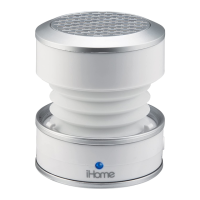
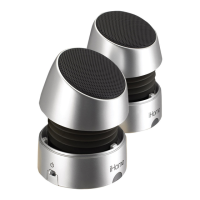
Locking/Unlocking the iM70
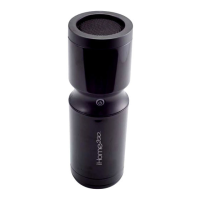
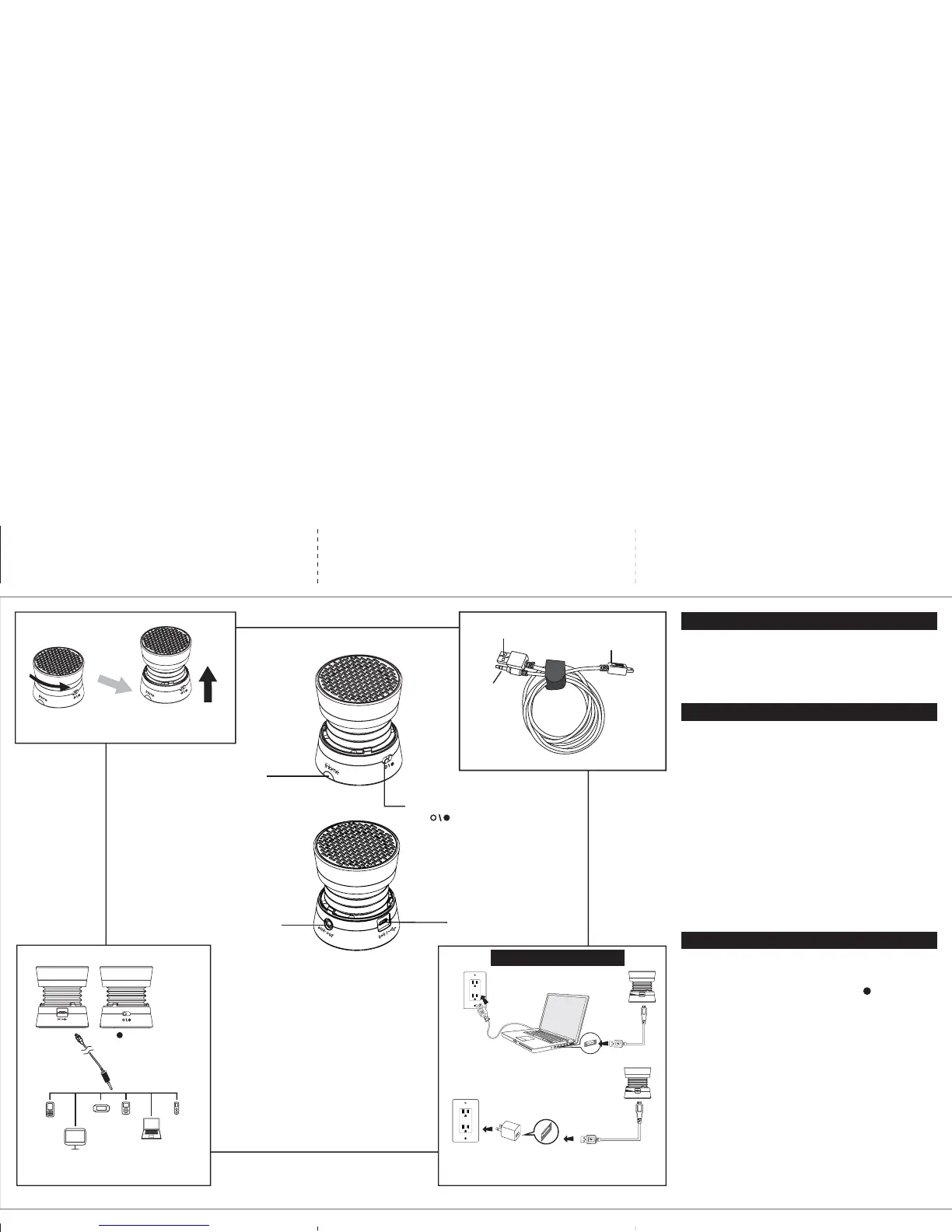
To compress and lock speaker, gently press speaker down from the
top and twist clockwise to lock in place.
To unlock and expand the speaker, grip the top and bottom and give a
small twist counter-clockwise. DO NOT pull hard once open, as the
built in spring will automatically extend the speaker to its proper
position.
Charging the iM70
The iM70 is powered by a rechargeable battery in the
speaker. Charge the unit before use.
• Connect the larger USB plug to a powered USB port, such
as that on a computer. The light on the speaker will stay red
while charging and turn blue when fully charged.
• Connect the micro-USB plug to the Audio/Charge USB connection
port on the side of the speaker. Refer to the Charge Before Use
diagram for proper charging connections.
When the blue power light turns red, or if you start to notice sound
distortion at higher volumes, it's time to recharge the battery.
Note: you can continue to listen to the speaker while it is
charging
For Models That Use Lithium Batteries:
• Lithium batteries can explode or cause burns if disassembled,
shorted, recharged, exposed to water, fire, or high temperatures &
not handled appropriately
• Do not place loose batteries in a pocket, purse, or other container
containing metal objects, do not mix with used or other battery
types, or store with hazardous or combustible materials.
• Store in cool, dry, ventilated area.
• Follow applicable laws and regulations for transport and disposal.
Connecting the iM70
• Connect the micro-USB plug to the audio/charge input jack on the
speaker.
• Connect the stereo 3.5mm audio plug to the headphone jack or
line-out of any audio device.
• Slide the Power Switch of the speaker to the ON position. The blue
power light will come on.
• Press play on your audio device and adjust its volume to listen to
audio.
• If you wish to “daisy-chain” iM70 speakers, connect the 3.5mm audio
plug to the Line Out Jack on an iM70 that is already connected to an
audio source (see above) and the micro-USB plug to the audio input
jack on another iM70.
Note: the larger USB plug is used for charging only, not for audio.
IM70 IB English Back
324Wmm x 208Hmm
Print in 1C+1C Black color
MAR 21, 2014
Power Switch
Audio/Charge
USB Connection
Note: When not in use, turn speaker off
to save battery power
Off Position
On Position
Power/Battery LED
Blue = power on/charged
Red = low battery OR
charging mode (when
connected to USB power source
Computer USB port
Computer connected
to working outlet
USB AC adaptor
(not included)
USB AC adaptor
connected to working outlet
aux inaux in
aux inaux in
Charge BEFORE Use
3.5mm Stereo
line-out Jack
Connect to Audio Input Source
mobile phone PSP iPod
Laptop
PC
MP3/MP4
to play
Open Position for
Maximum Bass
Closed Position
To audio
source
To iM70
To powered
USB port
USB Charging and Audio Connection Cable Included


 To Previous Page
 Loading...