EasyManua.ls Logo

iHome IP48 - User Manual

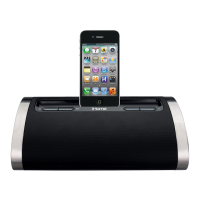
iHome IP48
12 pages
Print Icon
To Next Page IconTo Next Page
Loading...
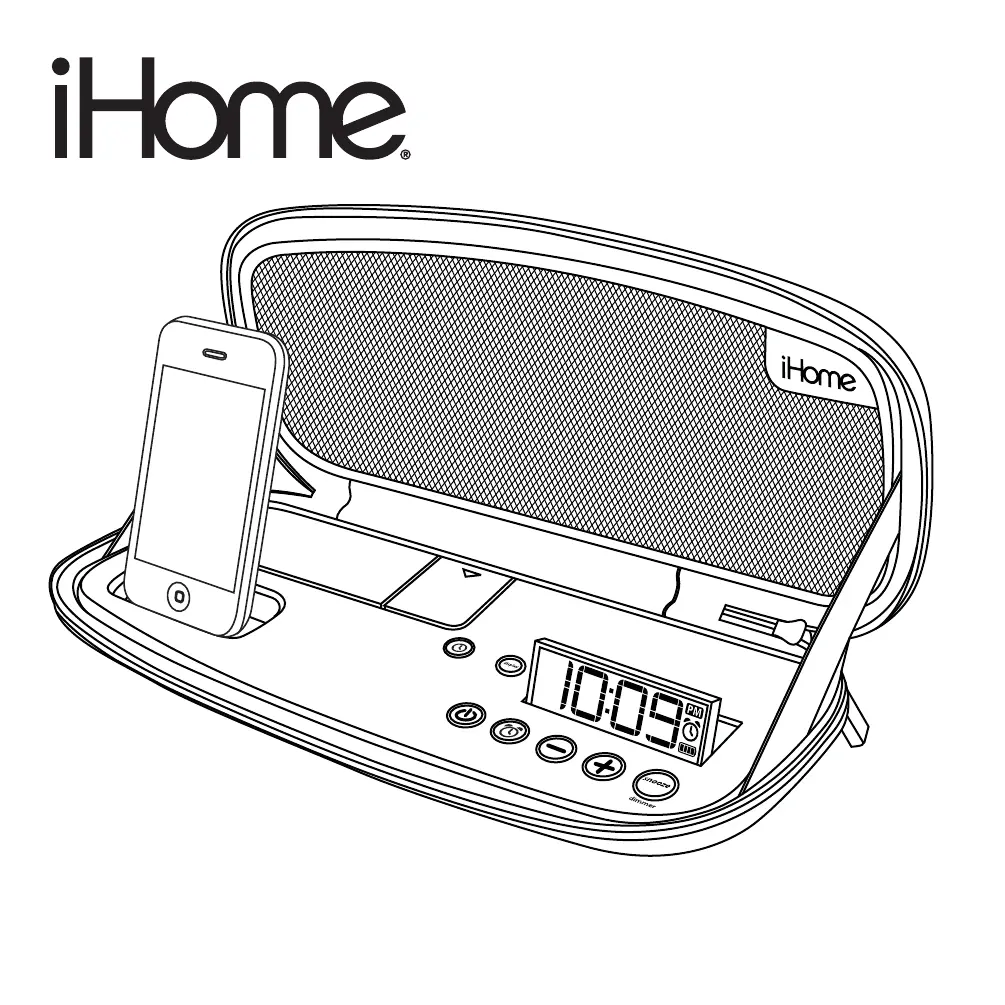
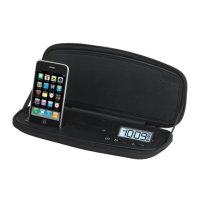
Model iP48
portable rechargeable speaker system
for your iPhone
®
/ iPod
®
Questions? Visit www.ihomeaudio.com
Model:iP48(USEnglishversion)
Printcolor:Blacktextonwhitepaper
Sizeofmanual:178mmWx178mmH
Date:Jan22,2010
P1

Questions and Answers

  • Z
    zacharymooreAug 10, 2025
    What to do if my iHome Speaker System doesn’t respond (no power)?
    • M
      Mrs. Amber HowellAug 11, 2025
      If your iHome Speaker System isn't responding, there are a few potential causes: 1. The AC adapter might not be properly connected. Ensure it's plugged into both a functioning wall outlet and the power supply jack on the back of the dock. 2. The wall outlet itself may not be working. Test it by plugging another device into the same outlet to confirm it's functional and that any associated power switch is turned on. 3. The internal battery could be weak or dead. Connect the system to AC power and wait until the battery status indicator shows a solid charge.
  • K
    Kristin OrtizAug 17, 2025
    How to fix distorted sound on iHome IP48?
    • T
      timothy58Aug 17, 2025
      Sound distortion on your iHome Speaker System can often be resolved with these steps: * First, try decreasing the volume level, as it may be set too high. * If the issue persists, the sound source itself might be distorted. If you're using an iPod/iPhone, the original music file may be of poor quality. Try playing a different music file or reducing the output volume and EQ settings (like bass boost) on your device.
  • M
    megan97Aug 23, 2025
    Why my iPod/iPhone does not dock properly with iHome IP48 Speaker System?
    • H
      hbrandtAug 23, 2025
      If your iPod/iPhone isn't docking correctly with your iHome Speaker System, consider these possibilities: * The dock insert might be incorrect or missing. Ensure you're using the proper dock insert for your specific iPod/iPhone model. * The iPod/iPhone might not be installed correctly. Remove it from the dock, inspect the connectors on both the dock and your device for any obstructions. Also, make sure there isn't a case or 'skin' on your iPod/iPhone. Then, reseat it firmly in the dock.
  • M
    Melanie LopezAug 28, 2025
    What to do if my iPod/iPhone does not respond to iHome IP48?
    • D
      Daniel HarrellAug 28, 2025
      If your iPod/iPhone isn't responding to the iHome Speaker System, here's what you can try: 1. Ensure your iPod/iPhone is properly seated in the dock. Remove it and check for any obstructions on the connectors of both the dock and your iPod. Then, reseat it securely. 2. Make sure the software on your iPod/iPhone is up to date. Upgrade it via iTunes if necessary. 3. If your iPod/iPhone is locked up, ensure it's working correctly before docking it. Refer to your iPod/iPhone manual for troubleshooting steps. 4. Note that the unit cannot control 1st or 2nd generation iPod, iPod shuffle or other devices. Use the Line-in jack to play these devices.
  • T
    Thomas NguyenSep 3, 2025
    Why my iPod/iPhone does not come on immediately when docked to iHome Speaker System?
    • B
      bakerdavidSep 3, 2025
      If your iPod/iPhone doesn't immediately turn on when docked to the iHome Speaker System, it could be due to one of these reasons: * If your iPod/iPhone hasn't been used for a while, it might be in deep sleep mode. Try pressing the Menu button on your iPod/iPhone. * The iPod/iPhone battery might be too low. Charge it for about 5 minutes.

iHome IP48 Specifications

General IconGeneral
BrandiHome
ModelIP48
CategorySpeaker System
LanguageEnglish

Related product manuals