EasyManua.ls Logo

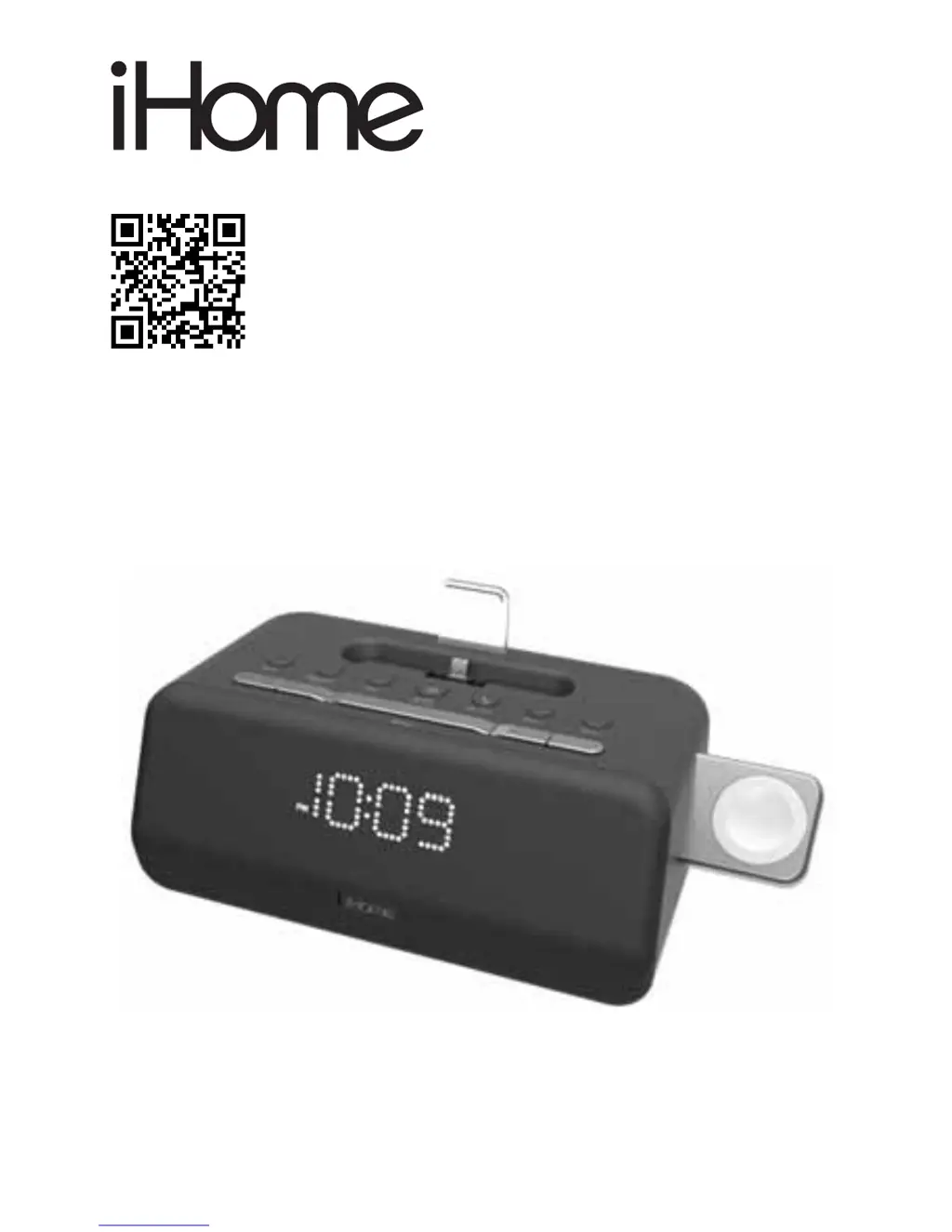
iHome iPLWBT5 - User Manual

iHome iPLWBT5
17 pages
Print Icon
To Next Page IconTo Next Page
Loading...
Model: iPLWBT5
Docking Bluetooth Stereo
FM Clock Radio with Apple
Watch™ Charging
QUESTIONS? Visit www.ihome.com

Questions and Answers

  • C
    Charles MillerJul 27, 2025
    What to do if my iHome Docking Speakers won't turn on?
    • R
      ritajonesJul 27, 2025
      If your iHome Docking Speakers won't turn on, ensure the AC adapter is plugged into a working wall socket and into the power jack on the back of the unit. Also, verify that the wall switch controlling the outlet is turned on.
  • J
    jimeneznicoleAug 2, 2025
    Why is there no sound coming from my iHome Docking Speakers?
    • D
      Diane TaylorAug 2, 2025
      If your device isn't responding or there's no sound from your iHome Docking Speakers, make sure the unit is properly connected to AC power and turned on. Adjust the volume on both the unit and your audio device. Press the Mode button to select BT, Dock, FM, or AUX mode and try pressing the Play/Pause button. Also, check that your device is properly docked.
  • J
    John DavisAug 7, 2025
    What to do if my iHome Docking Speakers device doesn’t charge up?
    • N
      Nicolas GuerreroAug 8, 2025
      If your device isn't charging on your iHome Docking Speakers, ensure the unit is connected to a working power outlet. Note that the unit will not charge devices while running on battery backup. Also, check that the device is properly docked and remove any case if necessary.
  • S
    Samuel ColemanAug 14, 2025
    Why is the sound distorted on my iHome Docking Speakers?
    • G
      Gavin HunterAug 14, 2025
      If the sound from your iHome Docking Speakers is distorted, try turning the volume down on your device. If the original sound file (MP3) is old or of poor quality, distortion and noise are easily noticed with high-power speakers. Try upgrading the file from a trusted source such as iTunes.
  • G
    Gina HarrisAug 20, 2025
    How to fix erratic performance on iHome Docking Speakers?
    • C
      Colleen ClineAug 20, 2025
      If your iHome Docking Speakers are performing erratically, move the unit away from potential sources of external interference, such as computers, modems, wireless devices (routers), or fluorescent lights.

Summary

iHome IPLWBT5 Product Description

Features and Controls Overview

Top Panel Components

Identifies buttons and modules on the top surface for device operation.

Back Panel Ports and Jacks

Details ports and connections located on the rear of the unit.

Display and Power Connection

Connecting the AC Adapter

Procedure for powering the unit using the provided AC adapter.

Backup Battery Management

Time Setting and Synchronization

Manual Time and Date Setting

Step-by-step instructions for manually setting the current time and date.

Alarm Setup and Configuration

Device Charging Instructions

Audio Playback from Various Sources

FM Radio Operation and Settings

Bluetooth Connectivity and Speakerphone Use

Pairing Devices and Bluetooth Audio Playback

How to pair devices and play music wirelessly via Bluetooth.

Troubleshooting Common Issues

Important Safety Information

iHome iPLWBT5 Specifications

General IconGeneral
BrandiHome
ModeliPLWBT5
CategoryDocking Speakers
LanguageEnglish

Related product manuals