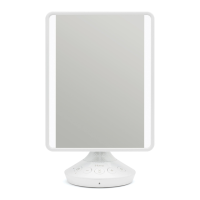
Take me anywhere, I’m cordless!
Audio Function
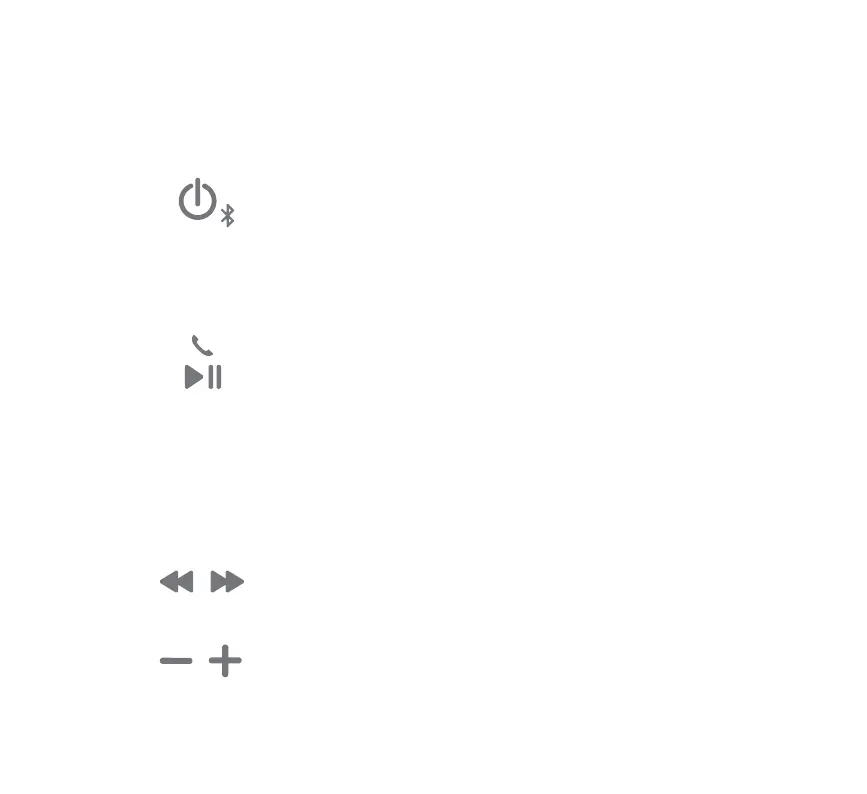
• Press to play / pause Bluetooth audio
• Press to answer / end Bluetooth calls
• Press and hold for 2 seconds and wait for beep to activate
voice control with Siri®
/
Google Now™
• Press for previous track
• Press for next track
• Press and hold to search within track
• Press to lower or raise volume
• Press power button to turn speaker On or O
• When mirror is On, press and hold for pairing
mode, indicated by the blinking BLUE LED
• Select “iHome iCVBT7” on your device’s
Bluetooth menu to connect
Voice control requires an active internet connection on connected
Bluetooth device with iOS 10 and Android 4.1 and later. When activated,
the speaker microphone acts as an extension of the microphone in your
smartphone to make/take calls, enable you to ask Siri®/Google Now™ to
play music and more.



 To Next Page