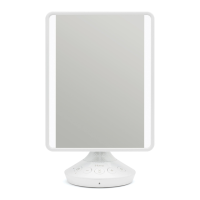
Not your grandma’s makeup mirror.
Charging Mirror/Devices
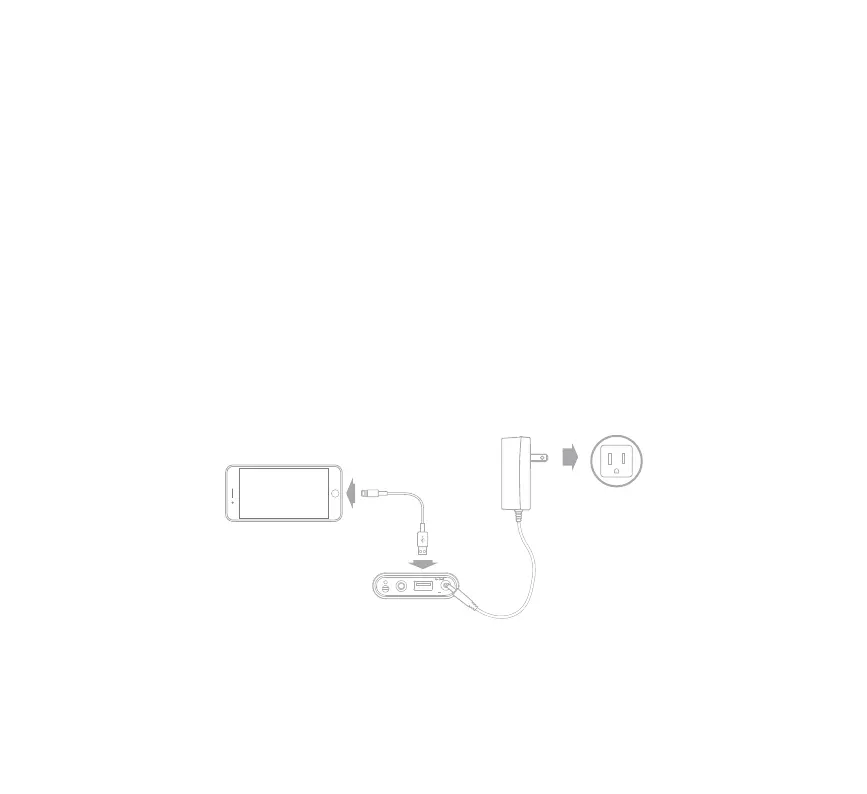
Mirror MUST be connected to AC adapter to
enable USB charging from the unit.
!
• Connect USB cable (not included) to USB port
and the other end to your device to charge.
• When RED LED is visible, the mirror has 10% battery
left and should be connected to AC adapter.
outlet
USB
AUX IN
RESET
DC 9V 2.5A



 To Next Page