EasyManua.ls Logo

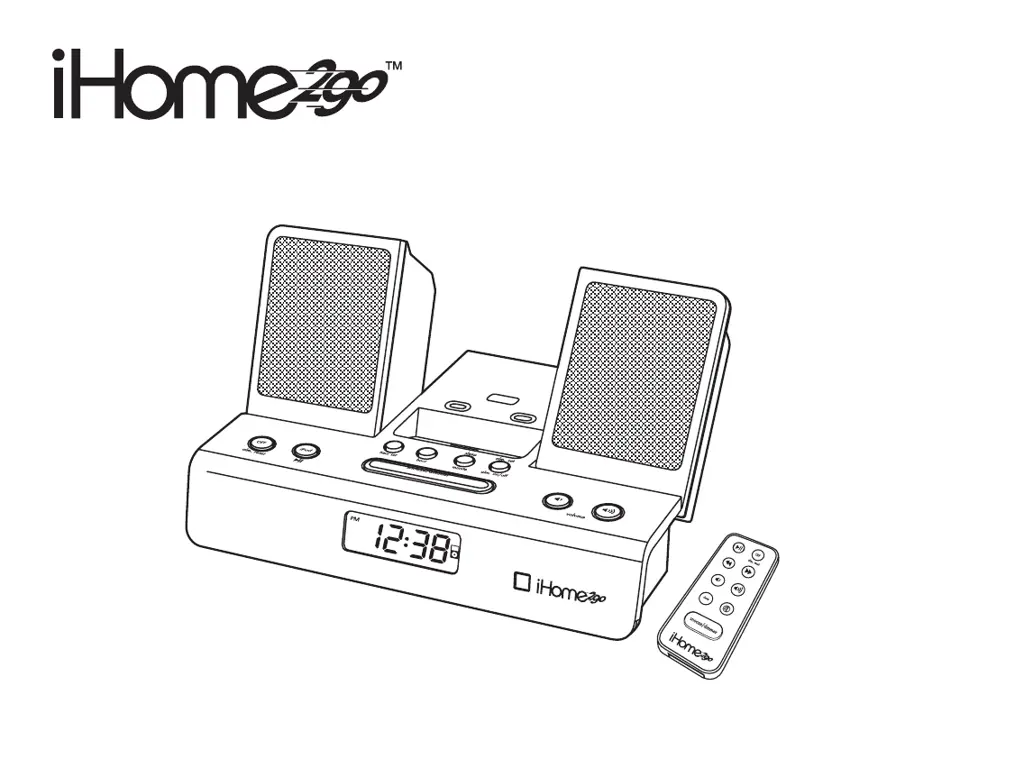
iHome2GO iH 26 - User Manual

iHome2GO iH 26
22 pages
Print Icon
To Next Page IconTo Next Page
Loading...
Model iH 26
Portable System
For Your iPod
®

Other manuals for iHome2GO iH 26

Questions and Answers

  • J
    Jennifer WallerJul 29, 2025
    What to do if iHome2GO iH 26 Docking Station doesn’t respond?
    • A
      Alexander MejiaJul 29, 2025
      If your iHome2GO Docking Station isn't responding, ensure the AC adapter is properly plugged into a functioning wall outlet and connected to the power supply jack on the back of the unit. To verify the outlet's functionality, plug another device into it.
  • D
    daniel07Aug 3, 2025
    Why my iPod does not dock properly on iHome2GO Docking Station?
    • R
      Robyn MillerAug 3, 2025
      If your iPod isn't docking properly with the iHome2GO Docking Station, first, ensure you're using the correct dock insert for your specific iPod model. Also, remove your iPod, inspect the connectors on both the dock and your iPod for any obstructions, and then carefully reseat it.
  • R
    Rebecca TaylorAug 8, 2025
    What to do if my iHome2GO iH 26 Docking Station batteries are weak?
    • M
      Meagan RamirezAug 8, 2025
      If the batteries in your iHome2GO Docking Station are weak or dead, replace them with new batteries.
  • E
    ejuarezAug 13, 2025
    What to do if my iPod is not installed properly in iHome2GO iH 26?
    • M
      Melissa RiosAug 13, 2025
      If your iPod is not installed properly in the iHome2GO Docking Station, remove your iPod from the dock and check for any obstructions on the connectors, both in the dock and on your iPod. Then, reseat the iPod in the dock.
  • M
    matthew72Aug 18, 2025
    Why isn't my iHome2GO iH 26 turning on?
    • T
      Troy ClayAug 18, 2025
      If your iHome2GO Docking Station isn't turning on, make sure the AC adapter is properly plugged into a functioning wall outlet and that the connector is securely plugged into the power supply jack on the back of the unit.
  • B
    Barbara MathisAug 25, 2025
    What to do if the iHome2GO iH 26 Docking Station isn't getting power?
    • S
      Samantha MartinAug 25, 2025
      If your iHome2GO Docking Station isn't getting power, plug another device into the same wall outlet to confirm that the outlet is working correctly.

Summary

Product Safety Information

Important Safety Instructions

Essential guidelines for safe unit operation, covering water, ventilation, heat, and power.

Getting Started

Controls and Indicators

Remote Control Operations

System Setup and Configuration

Alarm Setup and Modes

How to set alarm times and select wake-to sound sources.

iPod Playback

Alarm and Sleep Functions

Alarm Operation Features

Detailed explanation of the Sure Alarm, Gentle Waking, and alarm management.

Troubleshooting Common Issues

Unit Not Responding or Docking Problems

Solutions for power issues, iPod docking, and battery low icon errors.

iPod Connectivity and Sound Issues

Troubleshooting for iPod communication, sound distortion, and remote control malfunctions.

iHome2GO iH 26 Specifications

General IconGeneral
BrandiHome2GO
ModeliH 26
CategoryDocking Station
LanguageEnglish