12
Getting Started
Logging in to Budii
TM
Before continuing, you’ll need to log in to Budii
™
.
To log in to Budii
™
:
1. Open a web browser on your computer.
2. In the address bar, enter Budii's IP address
1
- the default is 10.1.1.1 - and press Enter. It may take a while to
load, so please be patient.
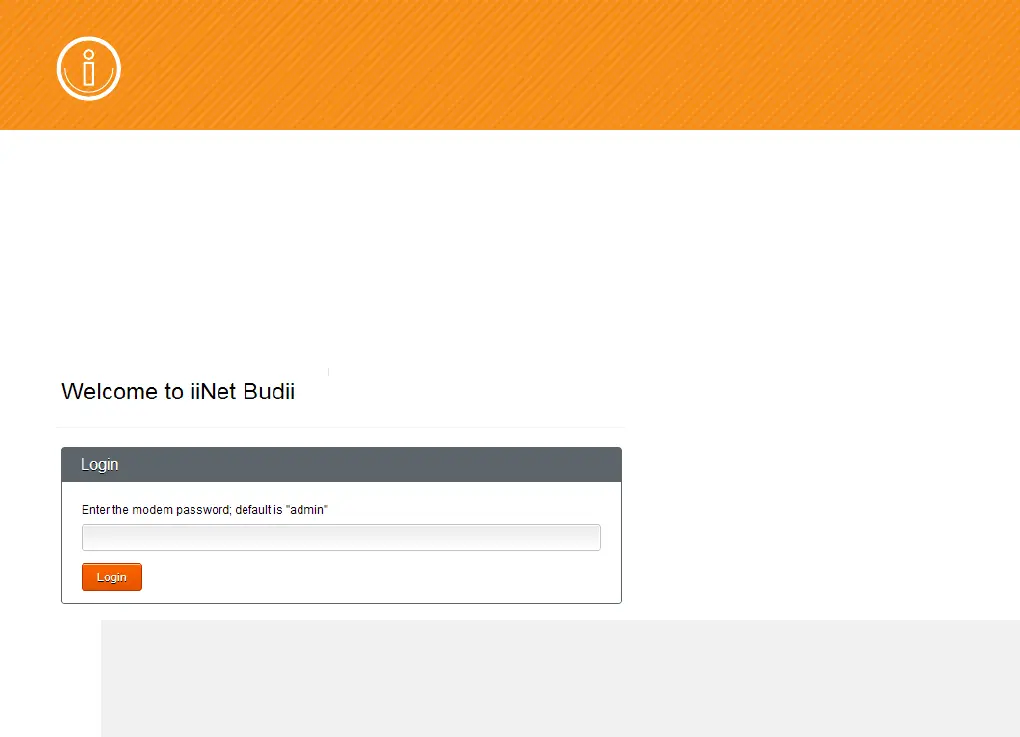
3. At Login, enter Budii's modem password
2
. The default is admin.
4. Click Log in.
1
Each computer on a network has a set of numbers that tells other computers where to find it so they can communicate. This is called an IP
address. An IP address has four groups of up to three digits, separated by dots, like this: 123.45.67.012
2
Your modem password is Budii's admin password. By default, it’s set to “admin”. This password gives you access to Budii's settings.



 To Next Page