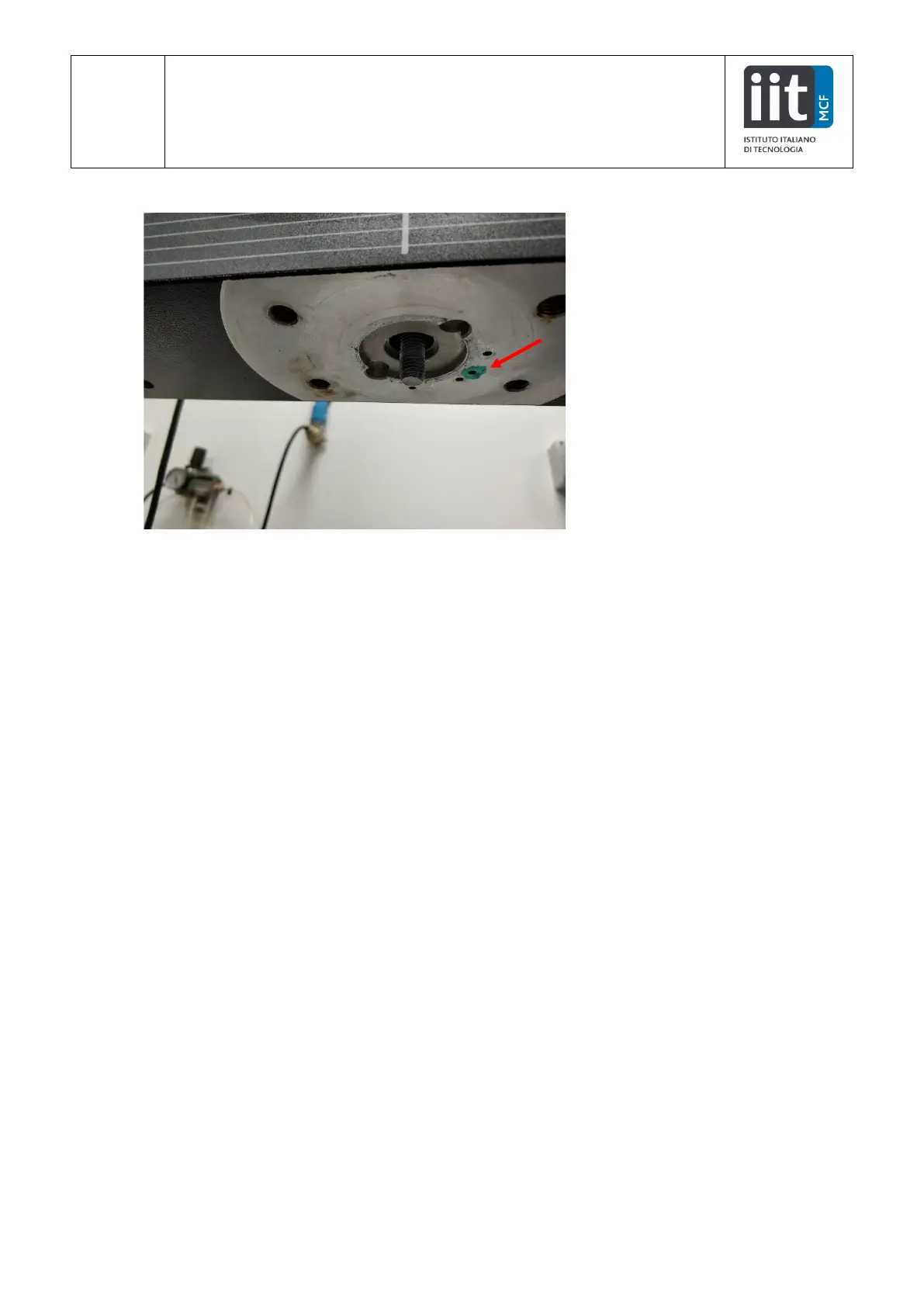
7. Insert the cell in the machine bar. Look for the hole marked in green.
8. Tighten the top screw with the 8 mm hex key
9. Mount the clamp, following the steps 1 c, b, a.
10. Plug the cell cable in the “carico” port. Take care to avoid tangling the cables!
11. Check that the Load signal is correctly shown in the Bluehill Universal sotfware


 To Previous Page