ENGLISH
10 BEFORE YOU OPERATE THE MONITOR
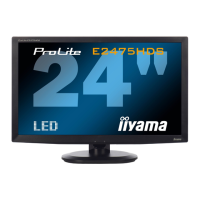
CONNECTING YOUR MONITOR : ProLite E2475HDS
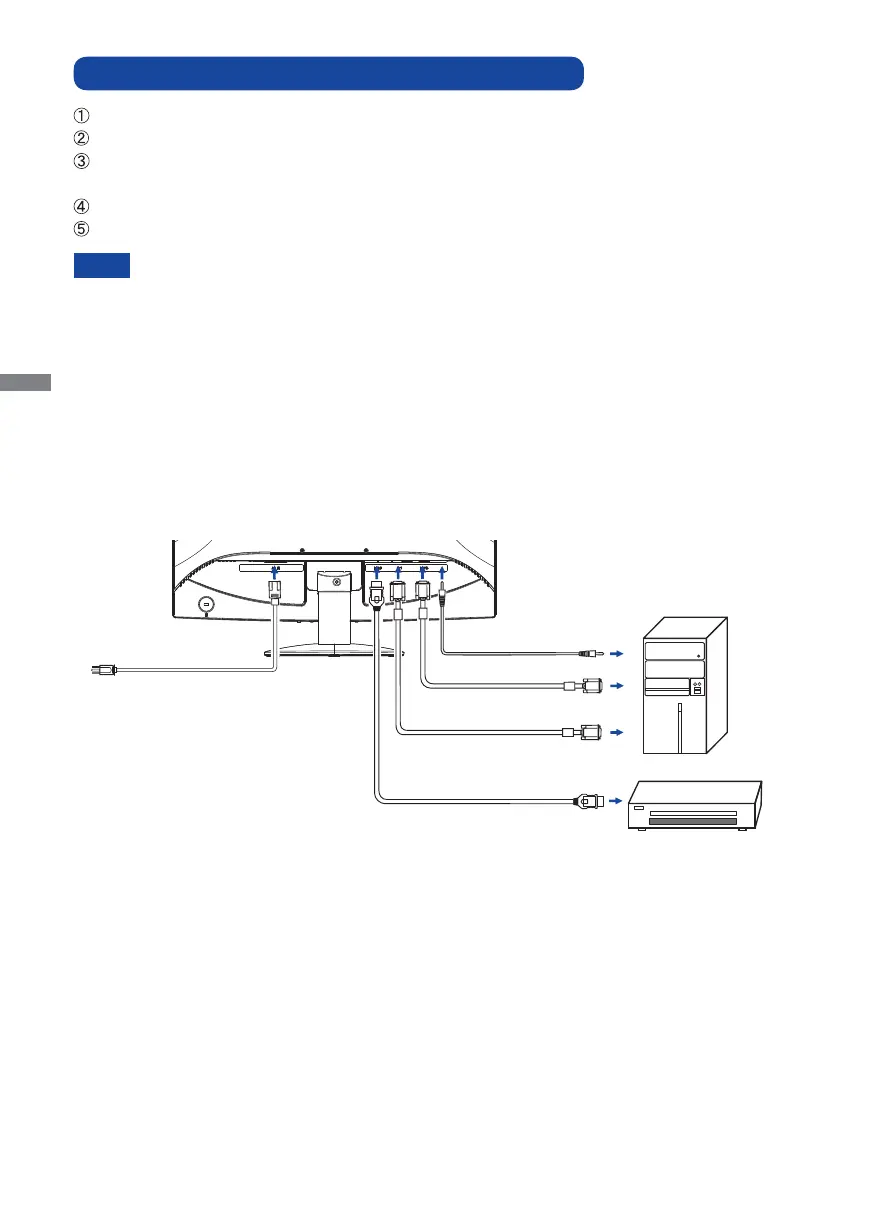
Ensure that both the computer and the monitor are switched off.
Connect the computer to the monitor with the signal cable.
Connect the monitor to the audio equipment with the Audio Cable for computer when using the
audio features.
Connect the Power Cable to the monitor fi rst and then to the power supply.
Turn on your monitor and computer.
[Example of Connection]
<Back>
NOTE
The signal cables used for connecting the computer and monitor may vary with the type of
computer used. An incorrect connection may cause serious damage to both the monitor and
the computer. The cable supplied with the monitor is for a standard 15 pin D-Sub connector.
If a special cable is required please contact your local iiyama dealer or regional iiyama
offi ce.
For connection to Macintosh computers, contact your local iiyama dealer or regional
iiyama offi ce for a suitable adaptor.
Make sure you tighten the fi nger screws at each end of the signal cable.
Computer
AV Equipment
Power Cable
(Accessory)
D-Sub Signal Cable
(Accessory)
DVI-D Cable (Accessory)
HDMI Cable (Not Included)
Audio Cable (Accessory)







 To Next Page