ARC Studio
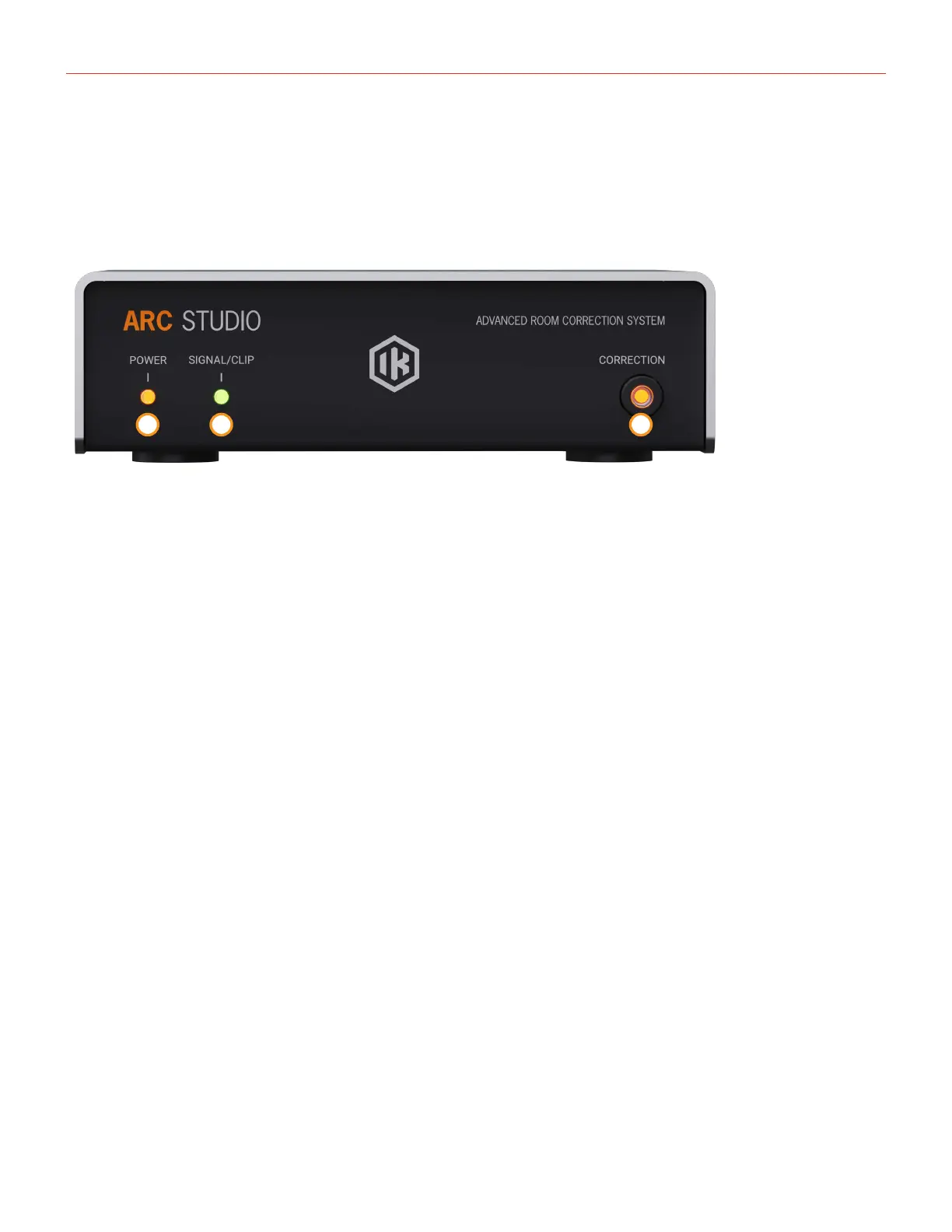
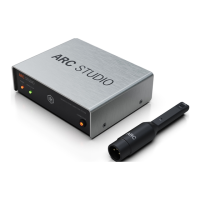
ARC Studio device
5
1.5 – Installation and setup
1.5.1 – Front Panel
1 2 3
1. POWER LED: This LED is lit when the unit is powered on
2. SIGNAL/CLIP LED: During normal operation, this LED displays the input signal level:
Green: audio signal is present
Red: audio signal is clipping
When calibration is stored in the unit using the ARC 4 application, this leads to blinks to indicate the
calibration loading status:
Green: calibration file successfully stored
Red: storing procedure error
3. CORRECTION: This button enables or disables the audio processing. When CORRECTION is off, the unit is
bypassed and the input signal is routed directly to the output.
Keeping this button pressed during power-up makes the unit boot into DFU mode.


 To Next Page