
 Need help?
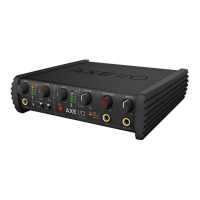
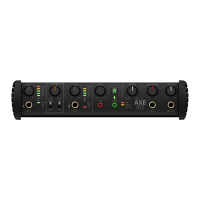
Do you have a question about the IK Multimedia AXE I/O and is the answer not in the manual?
Steps for downloading and installing the AXE I/O drivers and control software.
Connecting the AXE I/O to the computer and power supply.
Using the AMP OUT for guitar re-amping.
Selecting preamp characteristics for Instrument Input 1.
Matching the interface to passive or active pickups.
 General
| Type | Audio Interface |
|---|---|
| Number of Channels | 2 |
| Connectivity | USB |
| MIDI I/O | In/Out |
| Sample Rate | Up to 192 kHz |
| Resolution | 24-bit |
| USB | USB 2.0 |
| OS Requirements - PC | Windows 10 or later |
| Form Factor | Desktop |
| Z-Tone Impedance Circuit | Yes |
| Direct Monitoring | Yes |
| Phantom Power | Yes |
| Software Included | T-RackS 5 |
| OS Requirements - Mac | macOS 10.13 or later |
| Dimensions | 8.5 x 5.5 x 2.1 inches |

 To Next Page