English
10
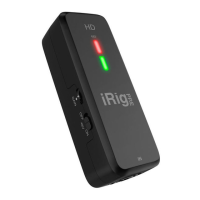
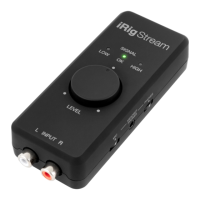
•SignalOK:green LED. iRig Stream is active and the input signal is OK.
•SignalHIGH:red LED. iRig Stream is active and the input signal is too high. Use the main Level knob to
decrease the overall level that is recorded.
Connection examples
Here are some examples of connecting mic or line level signals to iRig Stream.
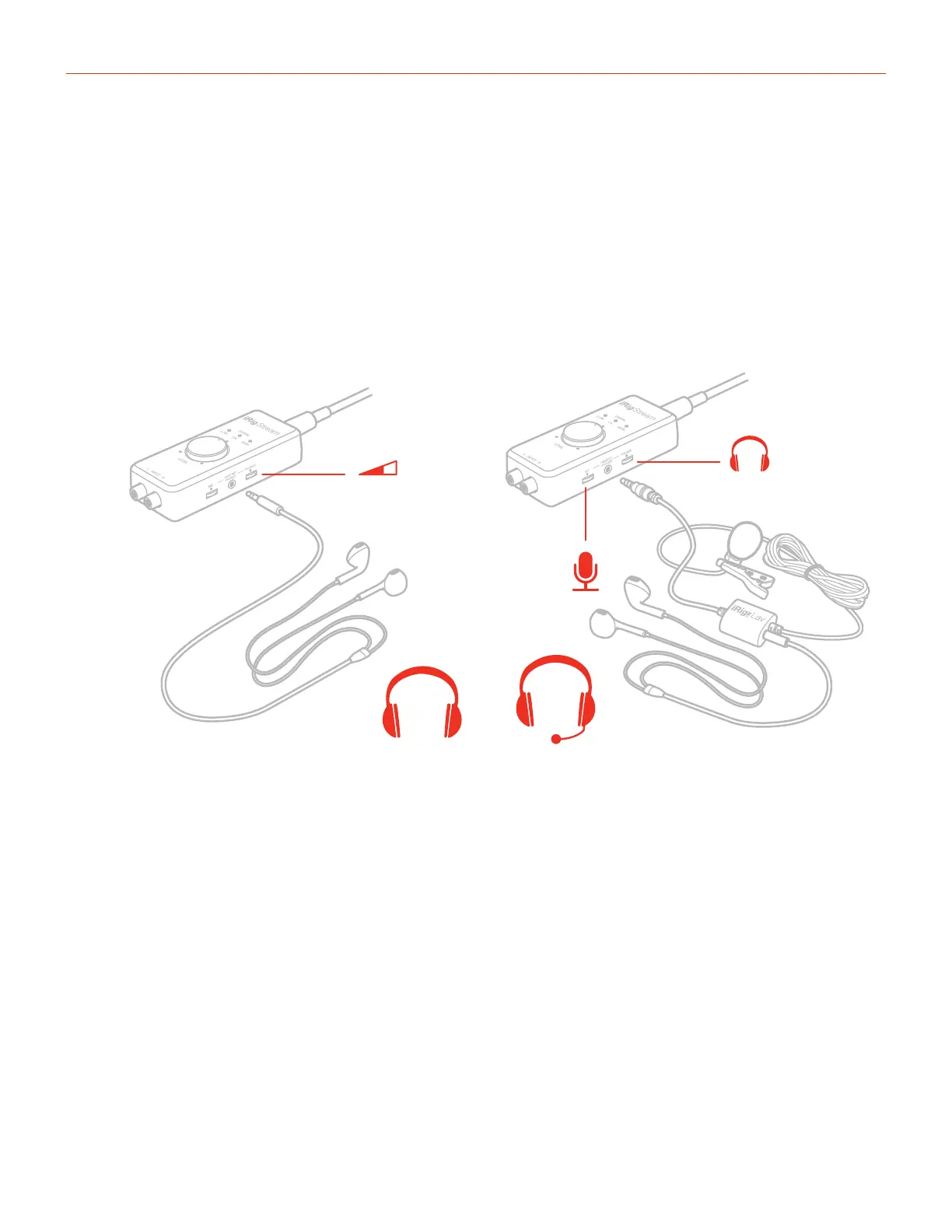
Connecting headset/phones
1/8" TRS
1/8" TRRS
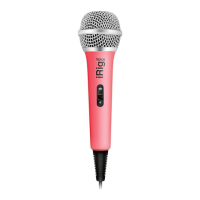
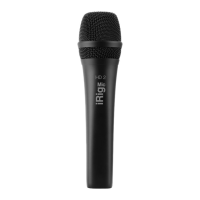
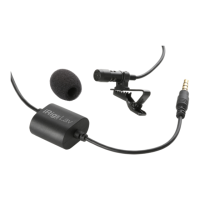
It is possible to connect an headset (compatible with CTIA wiring standard) or an iRig analogue microphone
to the Headset/Phones port. The headset’s microphone gain can be controlled with the MIC thumbwheel. In
this case the main Level knob will control the overall signal level that is streamed to the connected host. If an
headphones is connected, its volume can be controlled with the PHONES thumbwheel.



 To Next Page