16
Error codes
• If the actions described fail to resolve the fault or another error code is displayed then take one of the following steps:
- Contact the service department,
- Send the device for repair, including a short description of the fault.
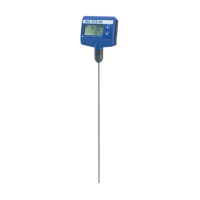
• The fault is shown by an error code on the display as following if the error occurs. (Fig. 5)
• Proceed as follows in such cases:
- Disconnect the power supply for at least 10 sec.
- Carry out corrective measures.
- Restart the device.
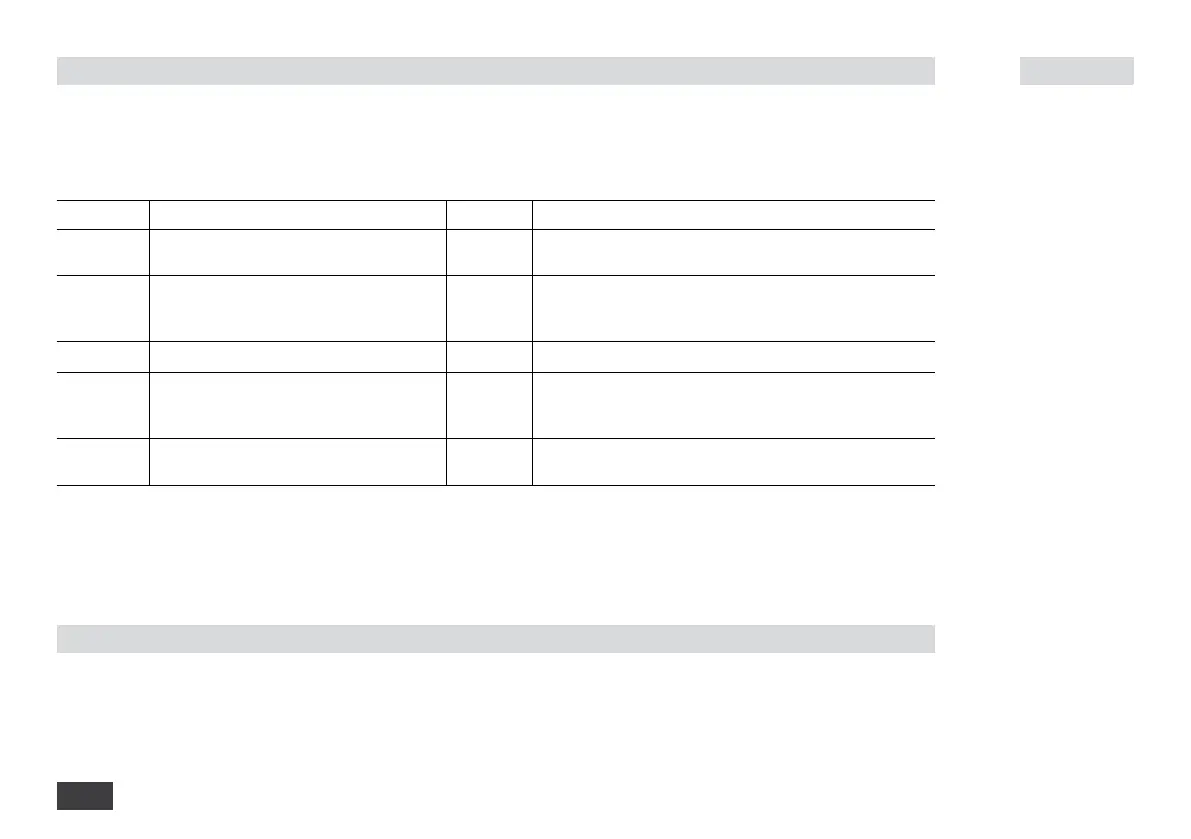
Error code Cause Effect Solution
Er 1 Sensor not connected or defective (Sensor
rupture)
Device off - Connect temperature sensor
- Replace temperature sensor
Er 5 Sensor not in media (no change in tempe-
rature of the media after heater active for
3 minutes)
Device off - Insert the temperature sensor in the media to a depth of at
least 20 mm
- Increase the “Time-out” period
Er 6 Temperature sensor short-circuit Device off - Switch off the device and replace temperature sensor
Er 7 The temperature of the medium is higher
than the maximum target temperature that
can be set
Device off - Switch off the device and allow the media to cool down
- Increase the maximum target temperature that can be set
Er 8 Calibration error Device off - Switch off the device
- Re-calibration by authorised service personnel
Accessories
• For accessories see www.ika.com.


 To Next Page