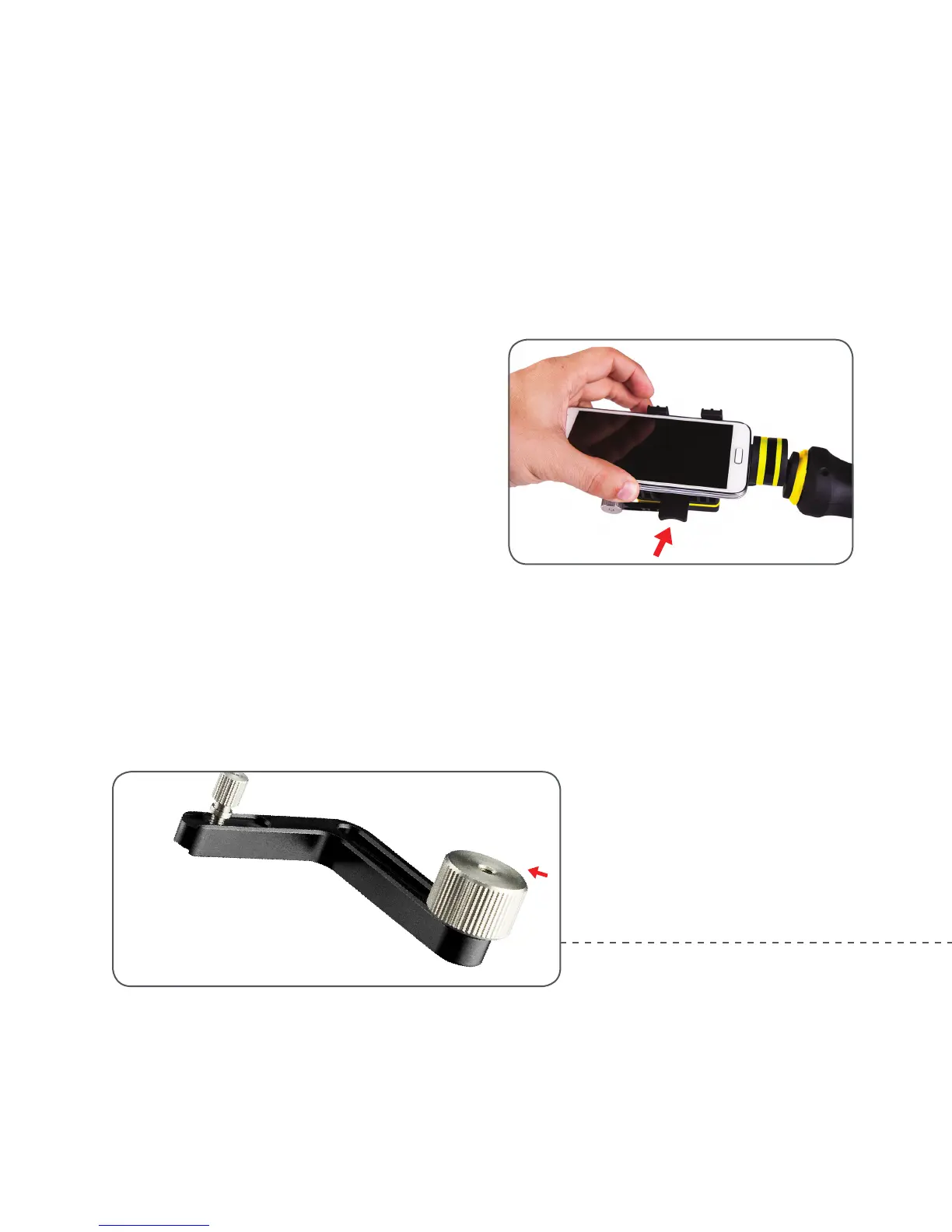
Step 1:
Remove smart phone from any cases and place in
clamp. Slide your phone left or right to level as much
as possible.
Step 2:
Based on the weight of larger phones, it may be
necessary to attach the included counterweight, you
may need to adjust the weight to compensate for
any roll. Slide the counterweight back and until the
phone is perpendicular to the ground.
Adjusting the
counterweight to balance
it along the roll direction
GETTING STARTED
WITH FLY-X3-PLUS
05



 To Next Page