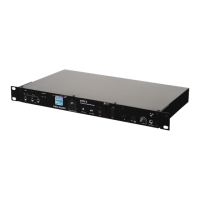
The RM3 comes with a 1 GB SD card which
stores the recordings. Before turning on the
unit, ensure the card is inserted into the slot (15)
located on the front of the RM3. To connect the
card, push the card completely in the slot until it
clicks into place.
Note: DO NOT FORCE THE CARD IN. To remove
the card, slightly push the bottom of the card. It
will slide out partially, and then can be pulled out.
On the front of the device is a USB drive slot (16) where a USB
memory stick can be connected. The RM3 can both read les for
playback and record directly to a USB device connected to this
area.
The RM3 unit will only interact with one memory device at a time,
and the USB drive gets priority over the SD card. What this means
is that when a USB memory stick is connected, only les stored on that
device will be viewable. As well, all recordings will be stored on just the USB
drive when it is connected.
When there is no USB drive connected, the RM3 uses the SD card to read
les and store recordings.
Now that the SD card and power source are connected, the unit can be
turned on by setting the POWER (1) button.
After the unit is turned on, a menu appears listing all of the les and folders
on the memory device. Use the RECORD LEVEL/SEARCH (11) jog wheel to
scroll through these folders & les.
Scrolling clockwise will search downwards through the le menu & scroll-
ing counter clockwise will search upwards. Press PLAY/PAUSE (13) when
a folder is highlighted to view its contents. All recordings are stored in the
folder labeled RECORDS in the iKEY menu. Press the STOP/BACK (12) but-
ton to return to the previous folder.
To engage a le, press the PLAY/PAUSE button when it is highlighted in the
le menu (*Note: When connecting a new card no les will be viewable as no
media is yet on the device).
Pressing this button again will pause the playing le. To fast-forward within a
track, scroll the RECORD LEVEL/SEARCH jog wheel clockwise. Conversely,
to rewind, scroll the jog wheel counterclockwise.
To stop a le that is playing and return the unit to the le menu, press the
STOP/BACK (12) button.
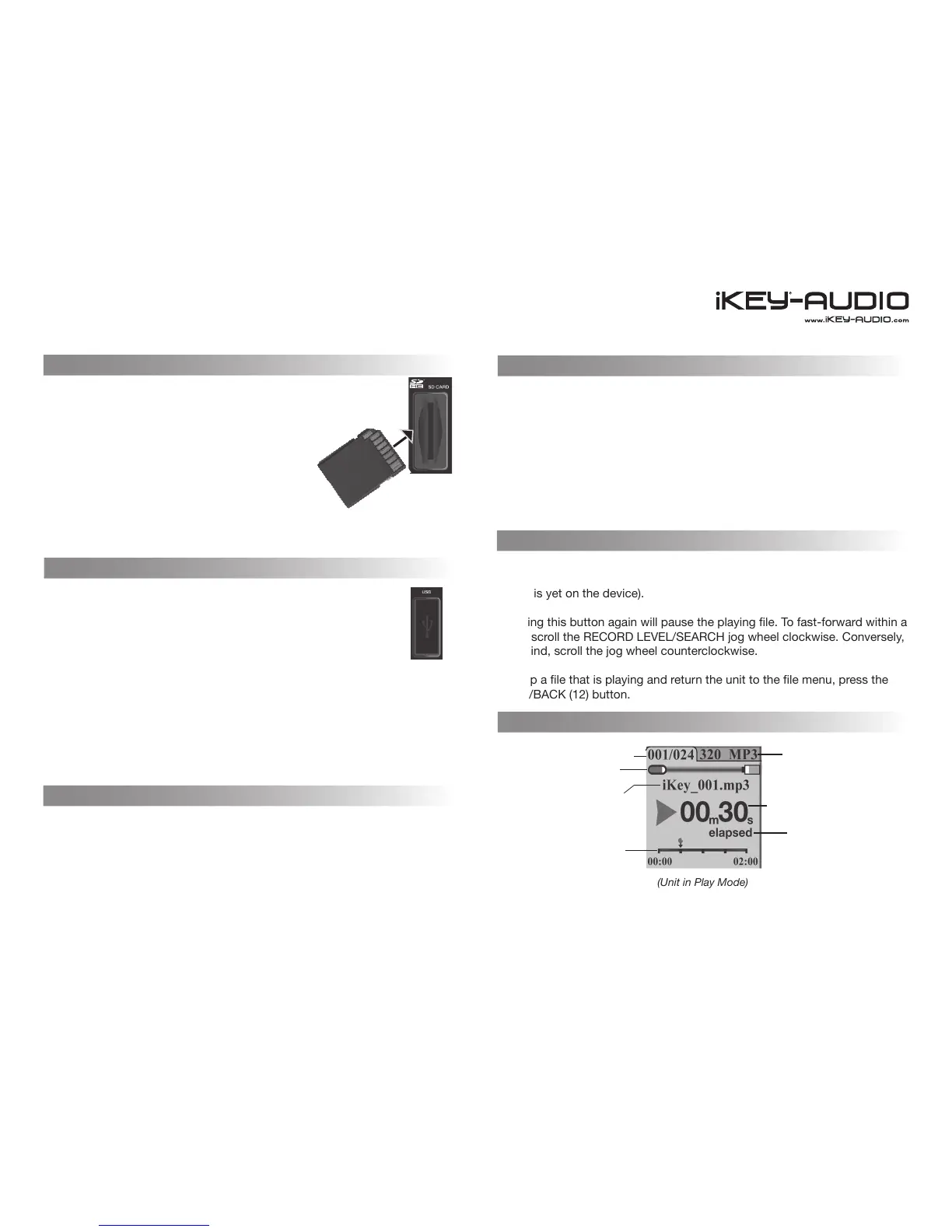
(Unit in Play Mode)
SD Card Connection
Insert card the way
it is shown
Using the USB Drive
Turning on the Unit
Navigating the RM3
7
Connections and System Control
Conexiones y Control de sistema • Connexions & Utilisation • Anschlüsse und Systemeinstellungen
Playing Files
Play Mode
File number
SD card usage
File name
Track Display
File format
Track time
Time mode


 To Next Page
 Loading...