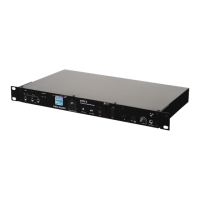
The full color LCD screen (10) displays the les, folders, recordings, play
mode, and record mode for the RM3 unit.
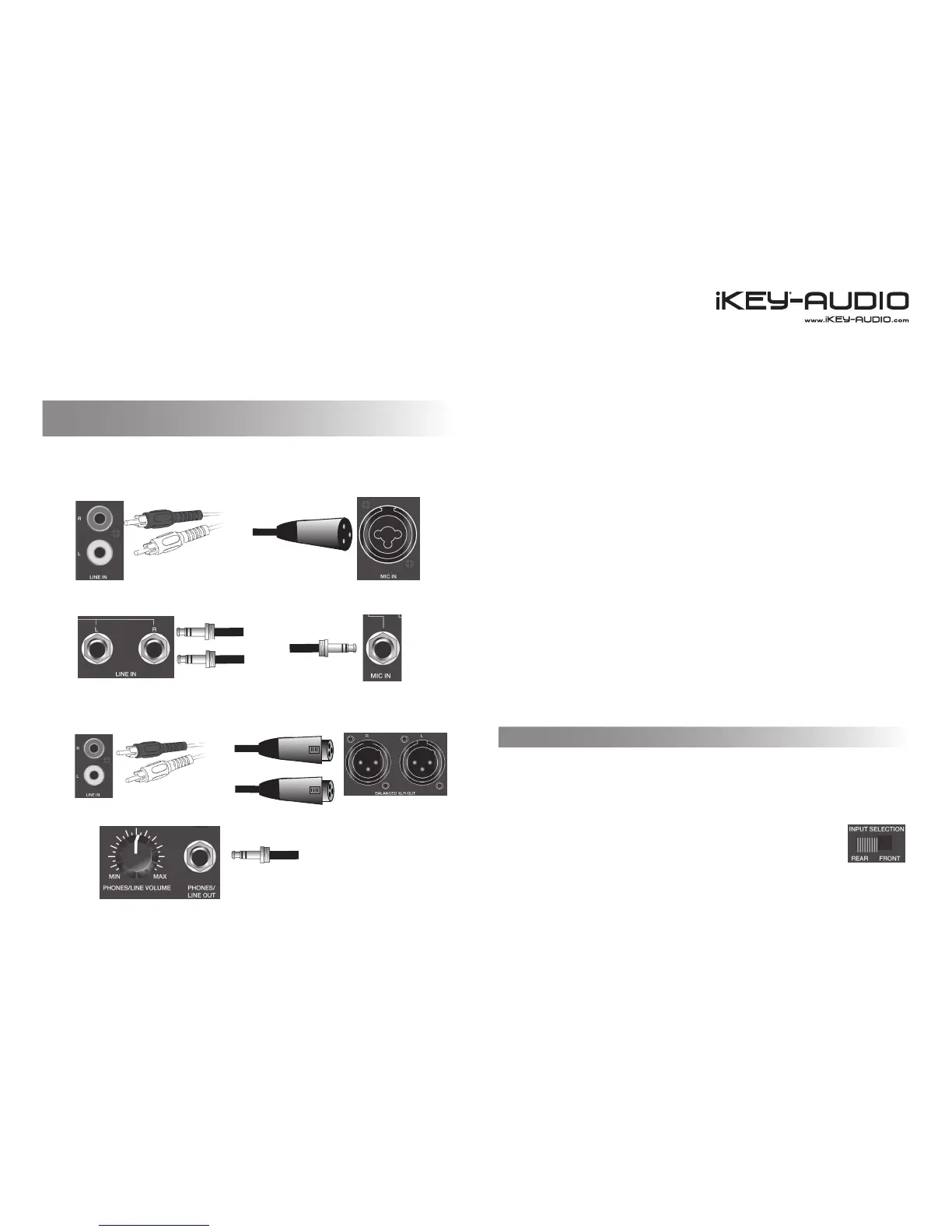
The following is a list of the inputs and outputs contained on the unit and a
their appropriate connectors.
INPUT (Back)
(Front)
OUTPUT (Back)
(Front)
Stereo RCA Line In (4) is where you input the signal coming from a line •
source via a stereo RCA connection.
XLR Mic Input (3) is where you connect the signal coming from a micro-•
phone source via a 1/4” (6.35mm) input.
1/4” (6.35mm) Stereo Line Input (6) is where you input the signal coming •
from a stereo line source via a dual 1/4” (6.35mm) connection.
1/4” (6.35mm) Mic Input (5) is where you input the signal coming from a •
Mic source via a 1/4” (6.35mm) connection.
Stereo RCA Line Outputs (8) send a stereo RCA signal to an output •
source.
Balanced XLR Outputs (7) send a balanced XLR signal to an output •
source.
1/4” (6.35mm) Phones/ Line Out (9) sends the signal to headphones or •
an output source through an 1/4” (6.35mm) output and has a dedicated
volume control.
*Note: MIC and LINE signals can only be read one at a time when record-
ing. If they are both connected to the unit at the same time, only the MIC
connection will be recorded.
On the front of the RM3 unit are two switches that are set to dene what
type of signal is being input and where it is connected on the unit. This en-
sures that every time a recording is made all other connections do not have
to be removed.
The FRONT-BACK switch is set according to where the signal
to be recorded is connected to the unit, namely the back of the
unit or the front. (FRONT-BACK Switch (22))
Connections and System Control
Conexiones y Control de sistema • Connexions & Utilisation • Anschlüsse und Systemeinstellungen
8
Recording Setup with the RM3
(Input / Output Connections)
Stereo RCA Line Input (4)
XLR / 1/4” Combo Mic Input
1/4” (6.35mm) Stereo Line Inputs (6)
1/4” (6.35mm) Mic Input (5)
Stereo RCA Line Outputs (8)
1/4” (6.35mm) Phones/ Line Out (9)
Balanced XLR Outputs (7)
MIC/LINE & FRONT/BACK Switches


 To Next Page