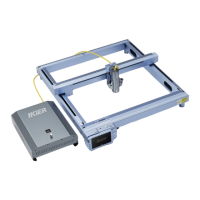
EN: * Insert the Type-C head into the Type-C socket at the back of the fiber optic box.
DE: * Stecken Sie den Typ-C-Kopf in die Typ-C-Buchse auf der Rückseite der Glasfaserbox.
FR: * Insérez la tête de type C dans la prise de type C à l’arrière du boîtier de bre optique.
IT: * Inserire la testina Type-C nella presa Type-C sul retro della scatola in bra ottica.
ES: * Insee el cabezal tipo C en el zócalo tipo C en la pae posterior de la caja de bra óptica.
RU: * Вставьте головку Type-C в разъем Type-C на задней панели оптоволоконной коробки.
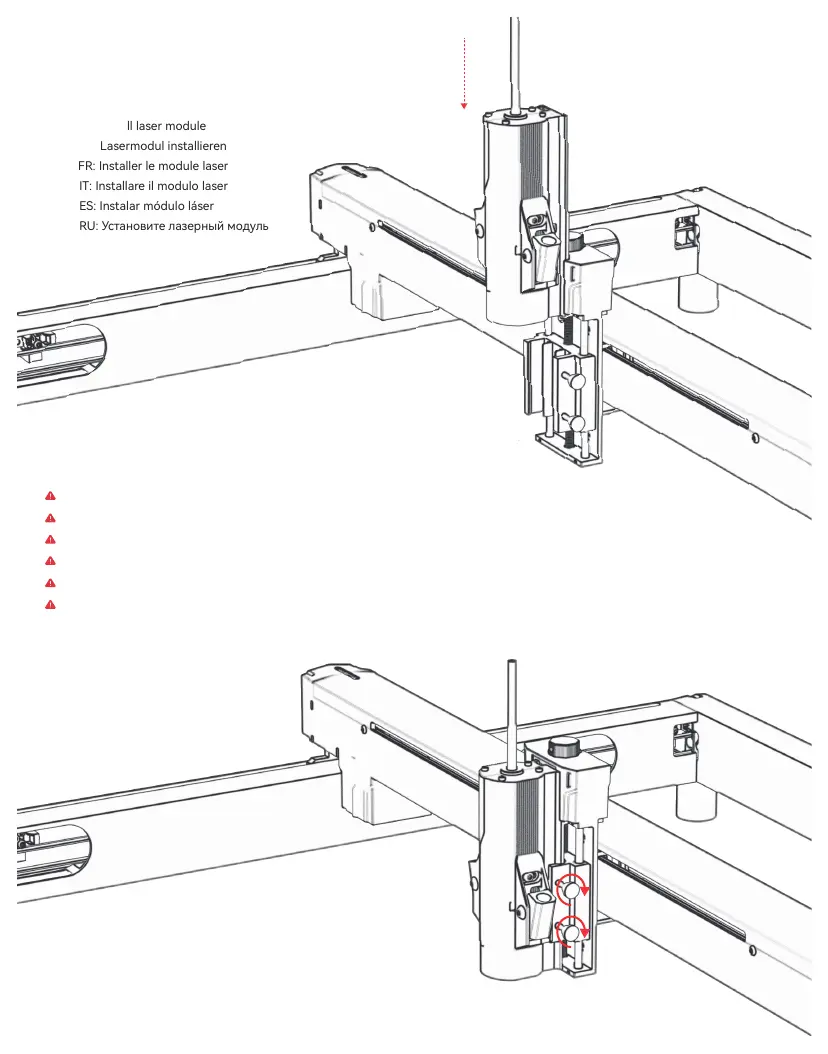
EN: Install laser module
DE: Lasermodul installieren
FR: Installer le module laser
IT: Installare il modulo laser
ES: Instalar módulo láser
RU: Установите лазерный модуль
Step 4
- 05 -
Tighten the screws
Ziehen Sie die Schrauben fest
Serrez les vis
Stringere le viti
Apriete los tornillos
Затяните винты
EN
DE
FR
IT
ES
RU


 To Next Page