25
Ikusi Flow guide
3.6 “Home” screen review
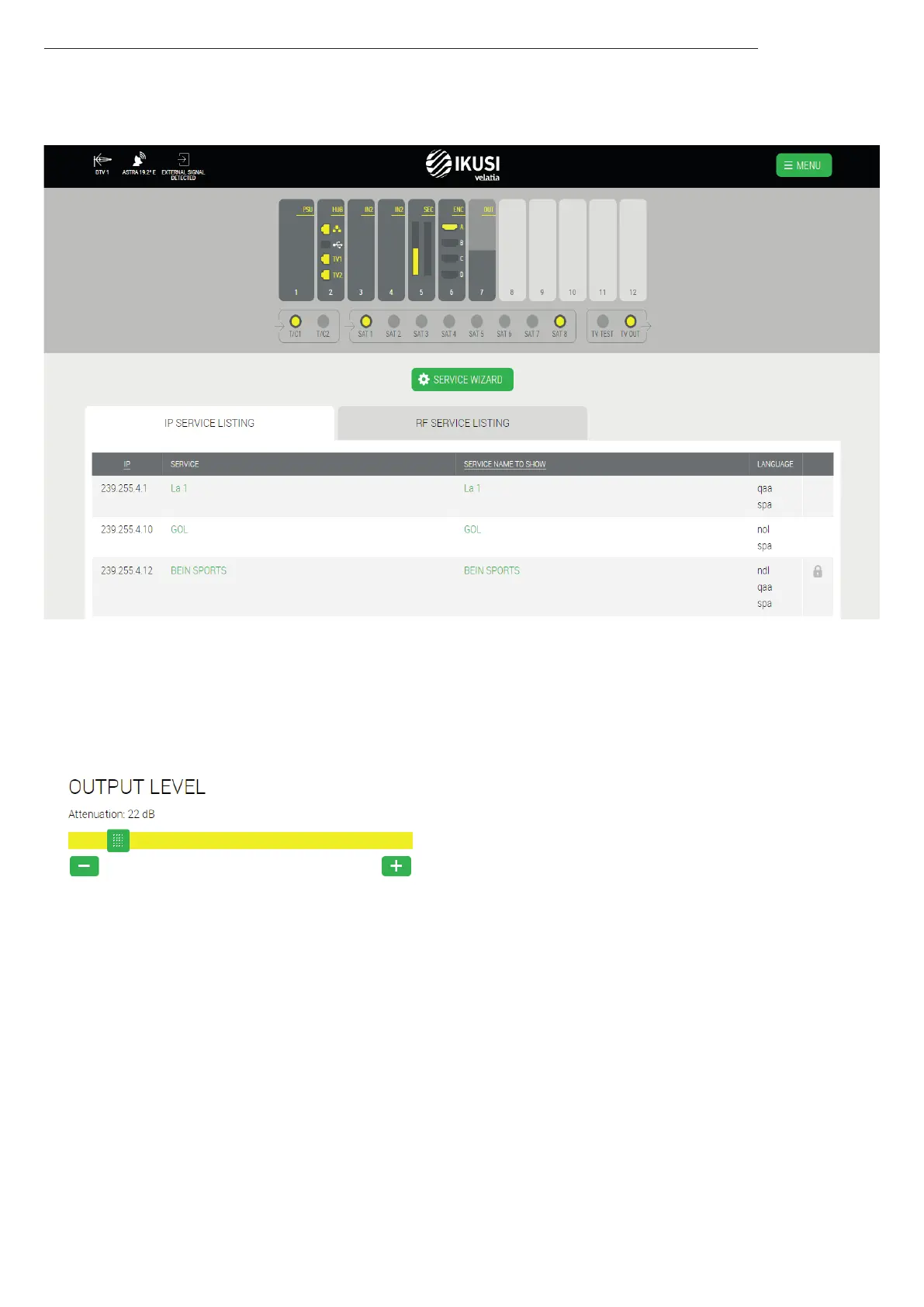
After applying the configuration, the “Home” screen will have a look as the following one:
In this screen you can see a list of the configured services, in IP and in RF. In the case any of them fails, it become red.
Also, from this screen you will be able to:
Change the RF output level. To do that, push TV OUT connector. A window with a slider will open. Move the slider to adjust
the output level.



 To Next Page