9
Ikusi Flow guide
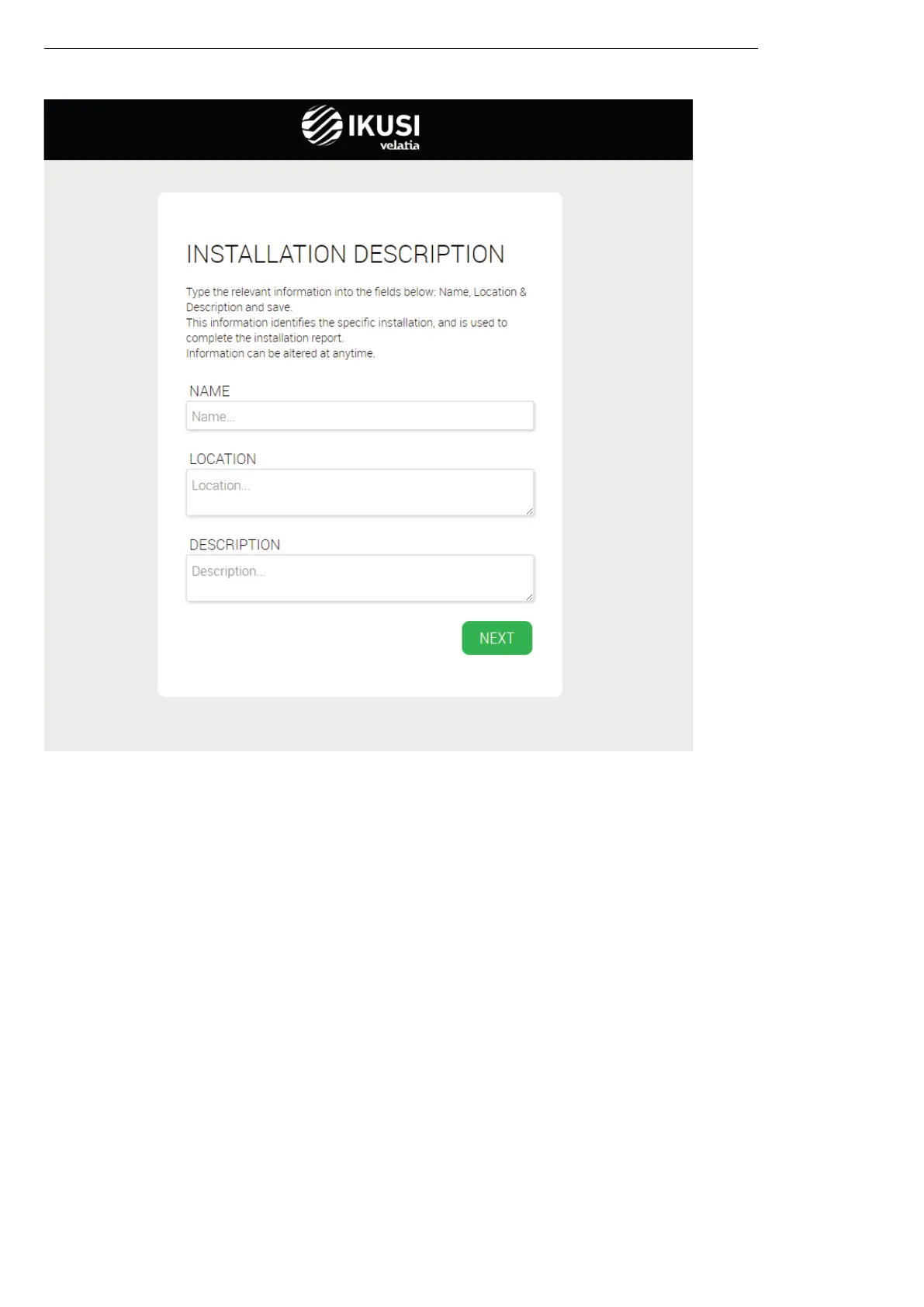
Step 3: Installation description
Introduce in this screen the information about name, address and installation description (free text). This information will
appear in the reports, and it will allow you to distinguish this particular headend with respect to others.
3.3 “Home” screen
It is the main screen of the user interface. It allows to:
Know which antennas are being used.
Know if the current RF distribution is conveyed any TV signal that has not been generated by Ikusi Flow.
Access to the advanced menu.
Review each of the modules and its status.
Launch the service wizard.
Know which channel line-up is currently configured and its status.



 To Next Page