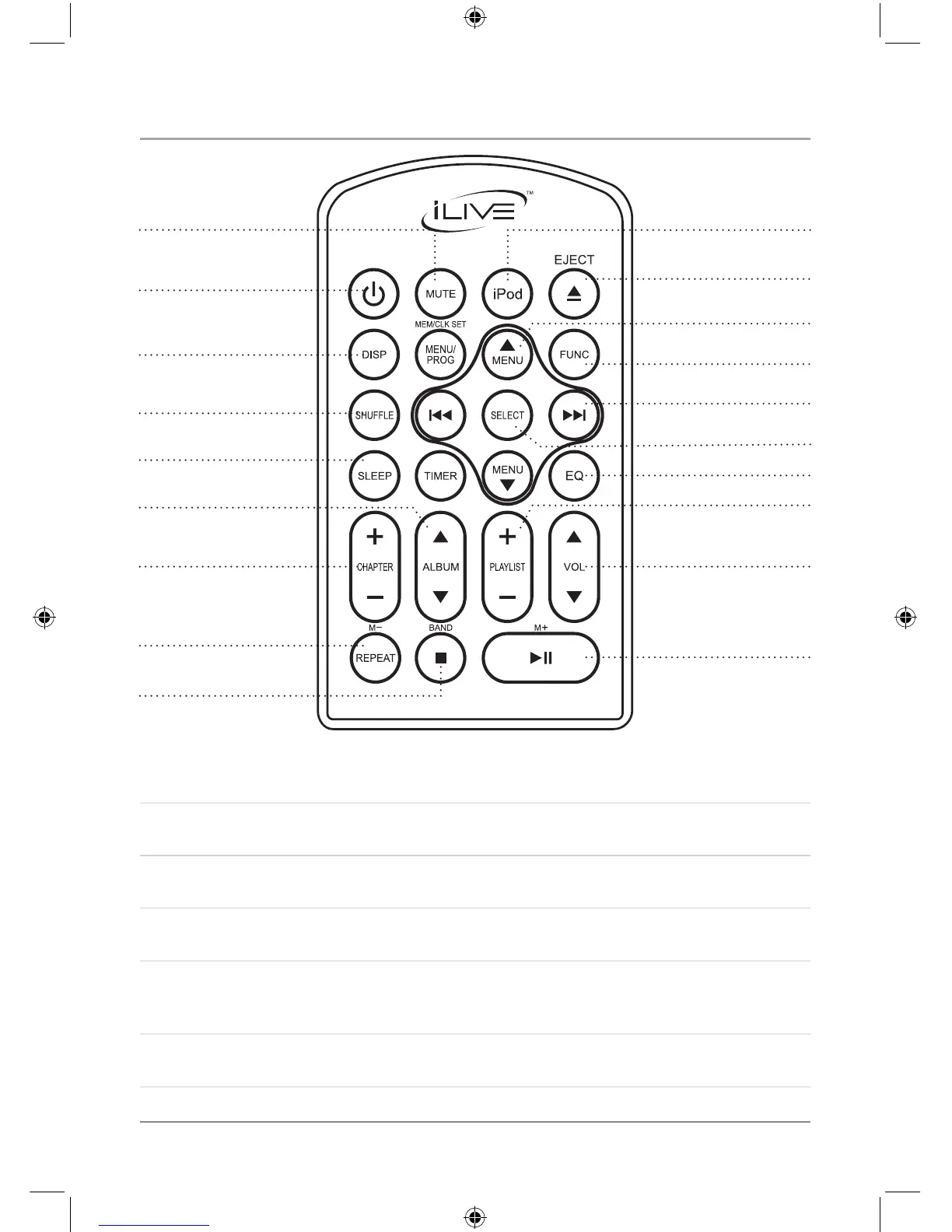
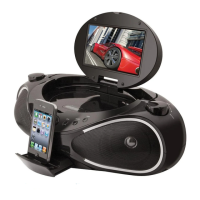
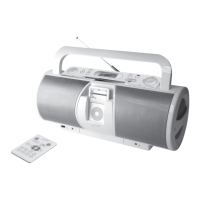
Location of Controls
14
24
25
26
27
29
30
33
35
36
38
40
41
23
32
34
39
28
31
3
7
23 Mute Button
Press the Mute Button to mute the unit’s volume.
24 Power Button
Press the Power Button to turn the unit off and on.
25 Display Button
Press the Display Button to view the current function or the time.
26 ShufeButton
Press the Shufe Button to play songs from a CD or an iPod in a random order.
27 Sleep Button
Press the Sleep Button consecutively to set the sleep timer between 90 and 10 minutes in
increments of 10.
28 Album Buttons
Use the Album Buttons to cycle through albums on a docked iPod.


 To Next Page