Powering the Unit
5
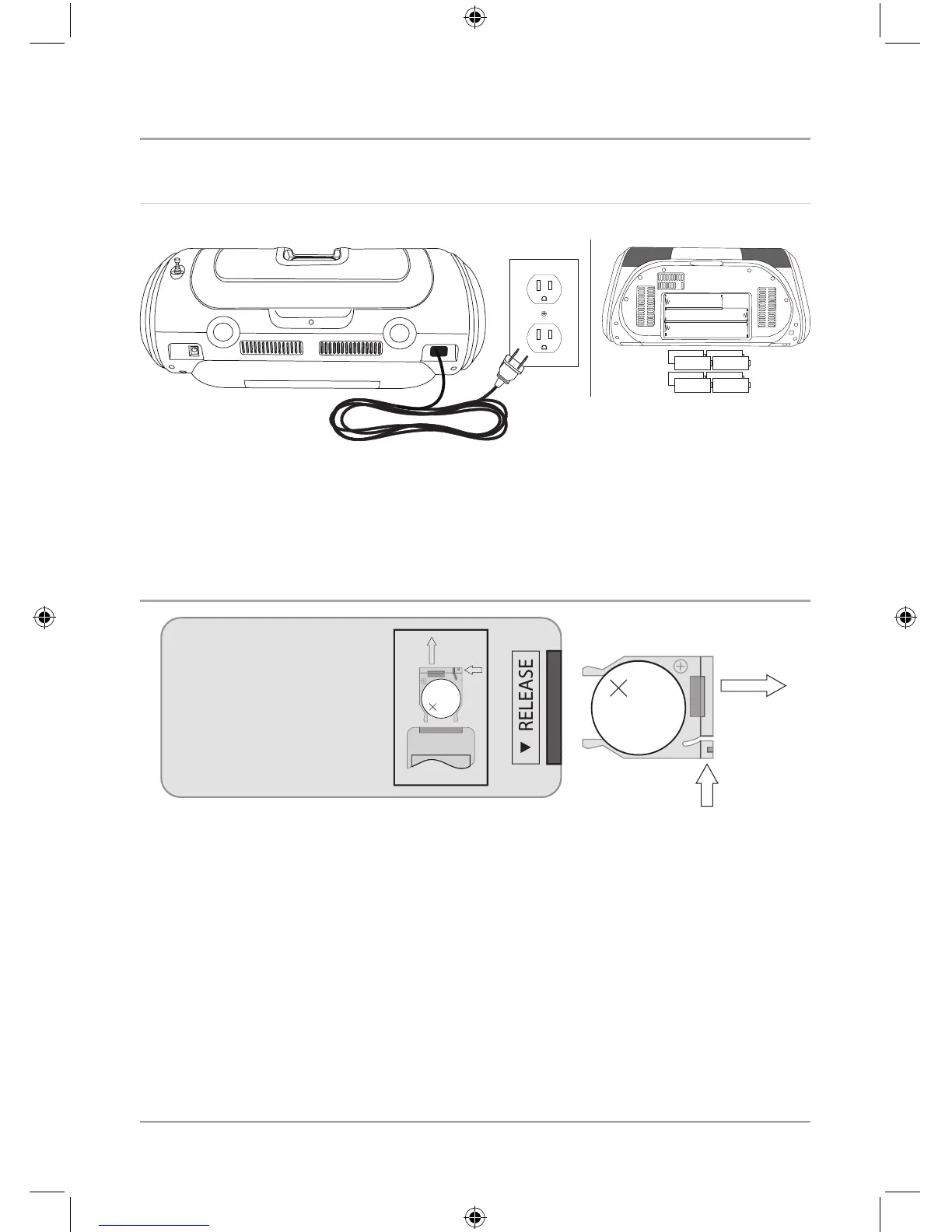
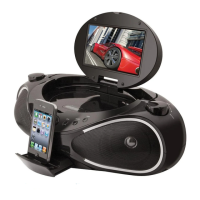
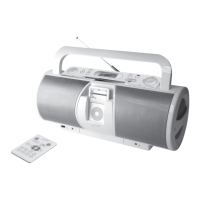
The unit can be powered by 8 C batteries (not included), or by being plugged into a
standard AC outlet (120V ~ 60Hz), or using the AC/DC Adapter (not included).
Changing the Remote Battery
1. Push the Release Button and pull out the Battery Compartment to access the
battery.
2. Replace the old battery with an equivalent new battery (CR2025).
3. The positive side of the battery, as indicated by a plus symbol, must be facing up
when inserted into the remote.
AC 120V / 60Hz
- Do not mix old and new batteries.
- Do not mix alkaline, standard
(carbon-zinc), or rechargeable (ni-
cad, ni-mh, etc) batteries.


 To Next Page