7
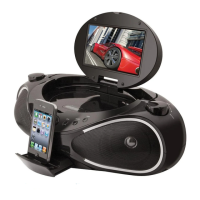
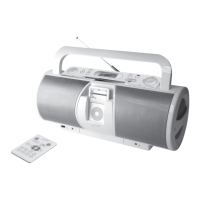
Docking an iPod
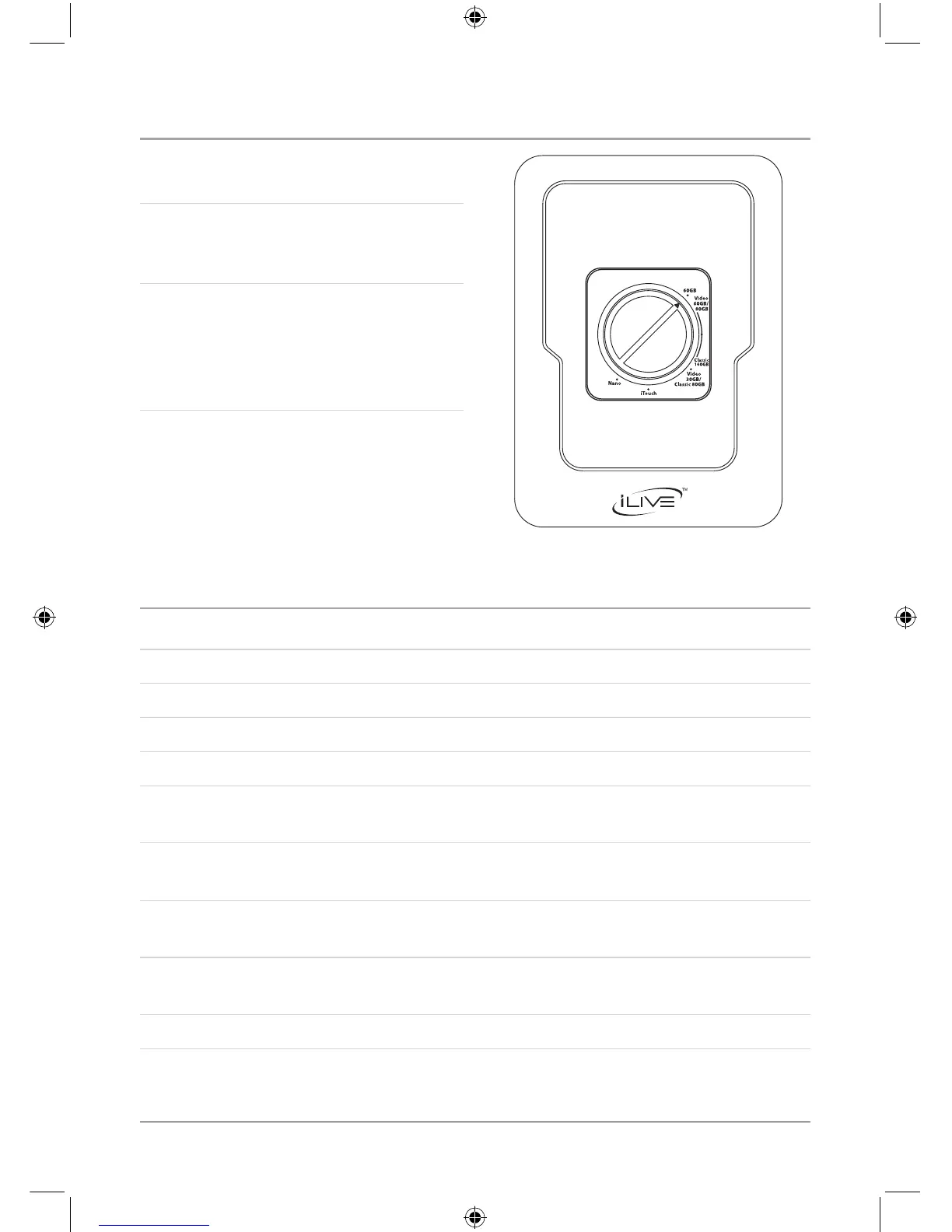
1. Turn the dial in the Docking Station
to the desired iPod model.
The dial will rise from the unit to
create the necessary depth for the
selected iPod model.
When inserting an iPod nano (rst
or second generation), slide the
Dock connection on the unit so that it
matches the opening on the iPod nano
(rst or second generation).
Playing an iPod
1. Connect an iPod to the Docking Station. (See “Docking an iPod”)
2. Press the Power Button to turn the unit on.
3. Press the iPod Button to switch the unit to iPod mode.
4. Press the Play/Pause Button to begin playing the docked iPod.
5. Press the Volume Buttons to increase or decrease the volume of the unit.
6. Press the Skip/Search Buttons to skip tracks. Press and hold the Skip/Search
Buttons to search through individual tracks.
7. Press the Chapter, Album, or Playlists Buttons on the remote to navigate through
the chapters, albums, or playlists on a docked iPod.
8. Press the Directional Buttons and Select Button on the remote to navigate the
iPod’s menu and make selections.
9. Press the Repeat/M-Dn Button consecutively to repeat a single track or entire
album.
10. Press the Shuffle Button to play songs from a CD or an iPod in a random order.


 To Next Page