4
ItalianoEnglishFrançaisDeutschEspañolPortuguês
Setting the clock (first power-on)
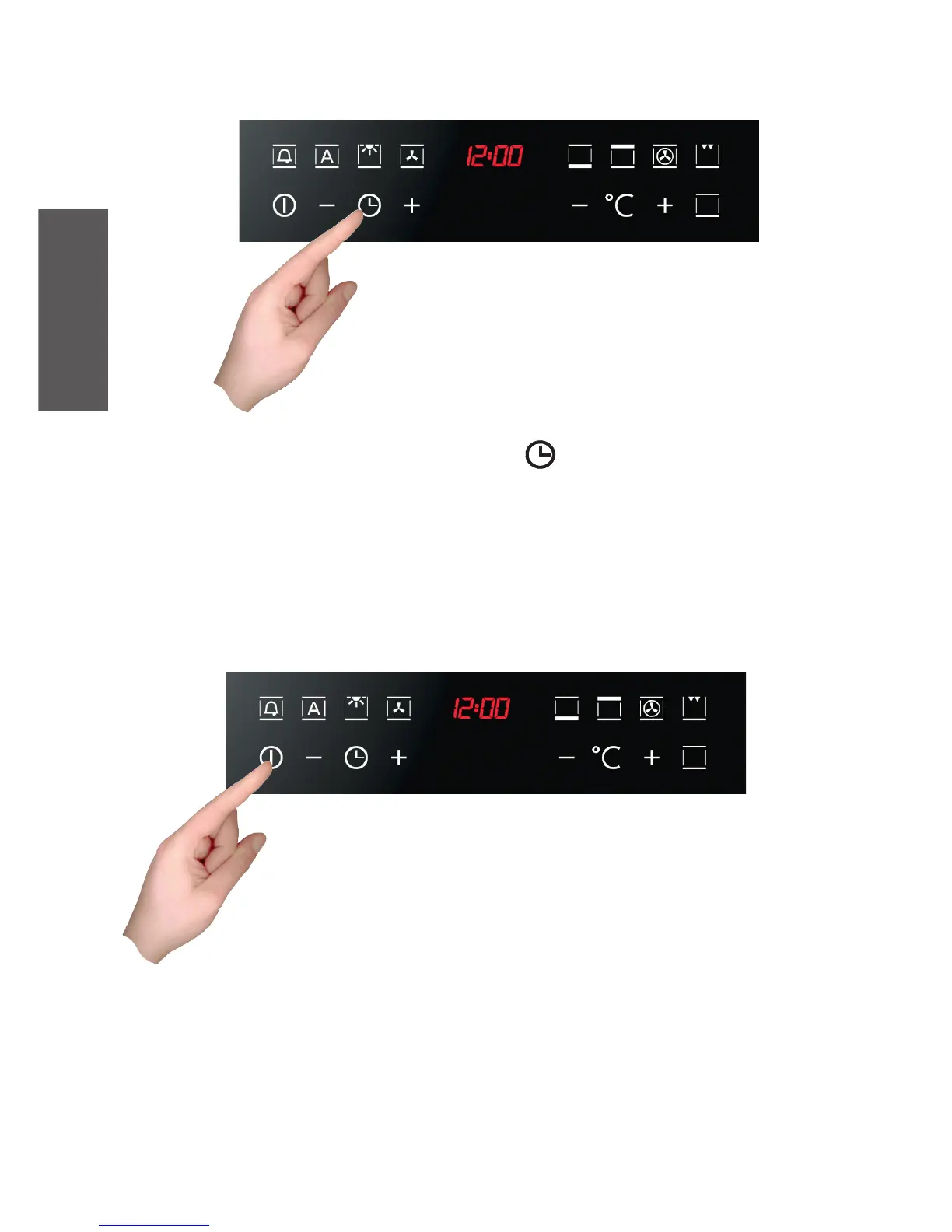
With the oven off, press the oven time button ( ) for 3 seconds. This takes you to
Clock Setting mode.
The time will flash on the display (at the first power-on, it displays “12:00”). Use the “+”
and “-” buttons to set the time. The time set is automatically accepted if you press the
oven timer button or if no keys are pressed for 3 seconds: in the latter case, the digits
stop flashing.
Switching on the oven
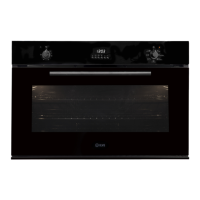
The oven is switched on using the ON/OFF symbol shown in the
figure.
The control activates all the symbols, illuminating the background.



 To Next Page