10
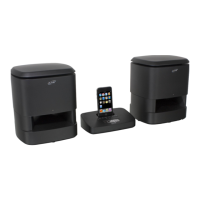
Locations of Controls & Denitions
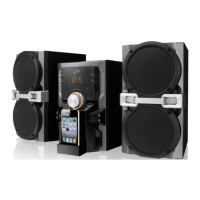
iPod Connector1.
Use the Dock Connector to connect an iPod to the unit.
Source Button2.
Press the Source Button to switch between iPod and Auxiliary Modes.
Link Indicator3.
A solid light indicates that the unit is not searching for nearby wireless speakers.
A blinking light indicates that the unit is attempting to link up with nearby wireless
speakers.
Power Button4.
Press the Power Button to turn the unit off and on.
Note: The wireless speakers need to be powered off separately.
Timer Button5.
Press and hold the Timer Button to set the timer.
Play/Pause Button6.
In iPod Mode, press the Play/Pause Button to play or pause a docked iPod.
Skip/Search Buttons7.
In iPod Mode, press the Skip/Search Buttons to skip between songs on a docked iPod.
In iPod Mode, press and hold the Skip/Search Buttons to search through an individual
song.
1
3
8
2
4
5
6
7
10
11
9


 To Next Page