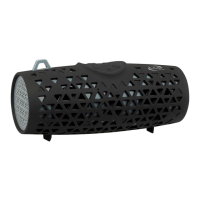
PAIRING A BLUETOOTH DEVICE
1. Turn on the unit using the Power switch. Press and hold the Pair button once.
The Pairing Indicator will ash blue quickly, and the unit will enter pairing
mode. When pairing, remain within 3 feet of the unit.
2. Using the native controls on your Bluetooth device, scan for and select
ISB14 in your Bluetooth settings to pair. If your device requests a password,
the default password is 0 0 0 0. Refer to the user’s manual for your specic device
for instructions on pairing and connecting Bluetooth devices.
3. When successfully paired and connected, the Pairing Indicator will display a
solid blue light and a beep will sound from the unit.
4. If problems arise with pairing, press and hold the Pair button to begin the
pairing process again.



 To Next Page