10
Connecting to a Bluetooth Speaker
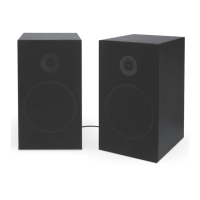
• When the speakers first power ON they default to Bluetooth Mode and are ready to pair
automatically. When pairing, remain within 3 feet of the Bluetooth device.
• Using the controls on your Bluetooth device, select ISB1400 in the Bluetooth Settings to pair. If
need be, refer to the user’s manual for your specific device for more information.
• When successfully paired, a voice will announce, “Bluetooth is connected.” You will now hear audio
from your Bluetooth device through the speakers.
• Use the controls on the connected Bluetooth device to select and play audio.


 To Next Page