CHARGING THE BATTERY
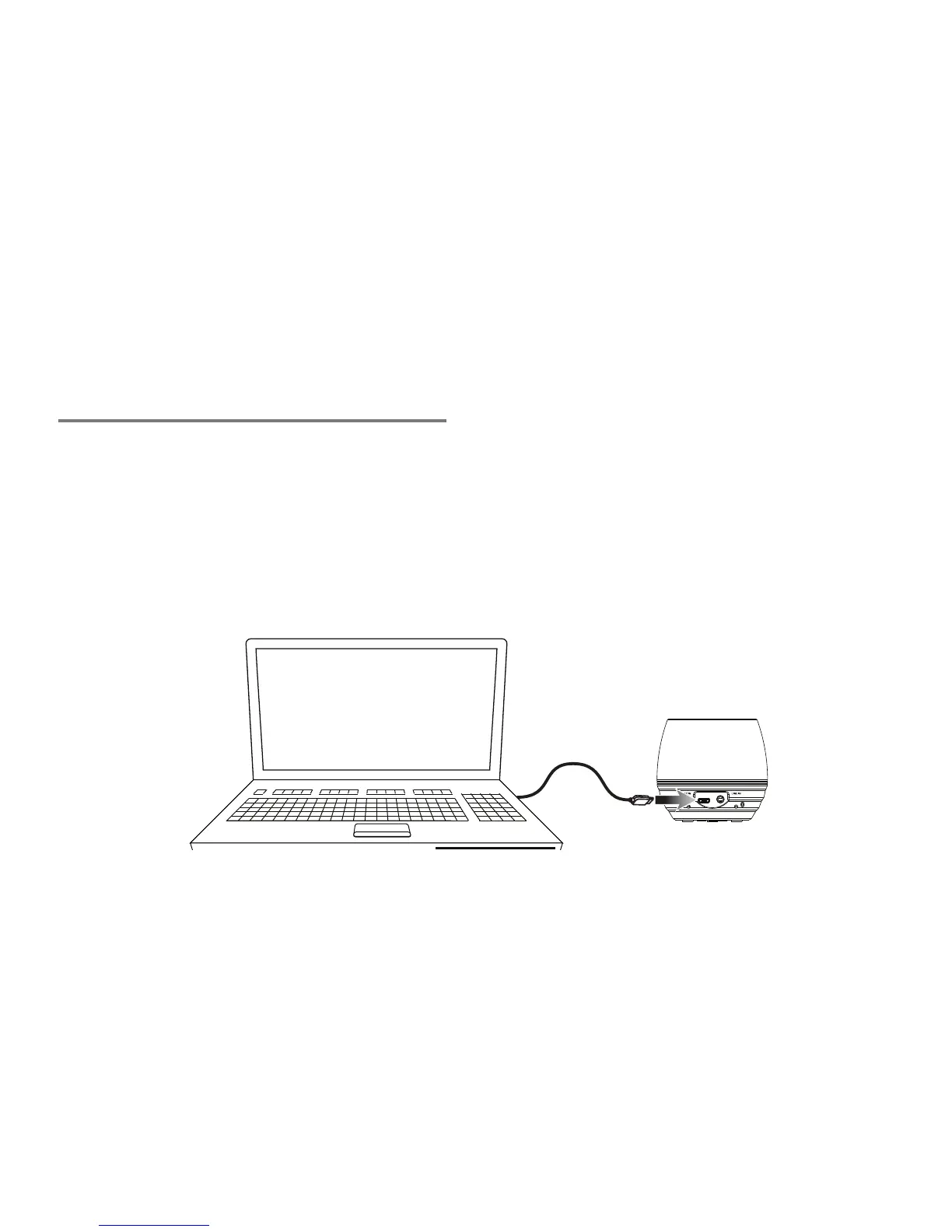
Requires a Micro-USB to USB cable (included).
Note: Be sure the computer is not in sleep mode.
1. Using a Micro-USB to USB cable (included), connect the larger USB plug to the
USB port of a powered on computer or USB power adaptor.
2. Connect the smaller Micro-USB plug into the Micro-USB port of the unit.
The unit will now charge.


 To Previous Page