EasyManua.ls Logo

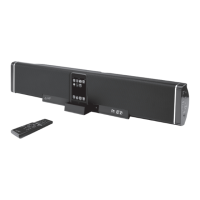
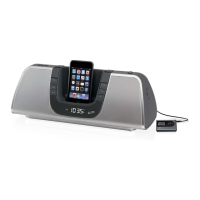
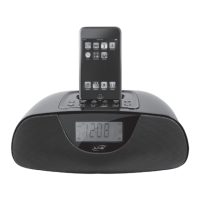
iLive IT188B - iPod Docking and Playback; Docking Your iPod; Playing Music from Your iPod

iLive IT188B
16 pages
Print Icon
To Next Page IconTo Next Page
To Previous Page IconTo Previous Page
Loading...
Customer Support: 1-888-999-4215 7
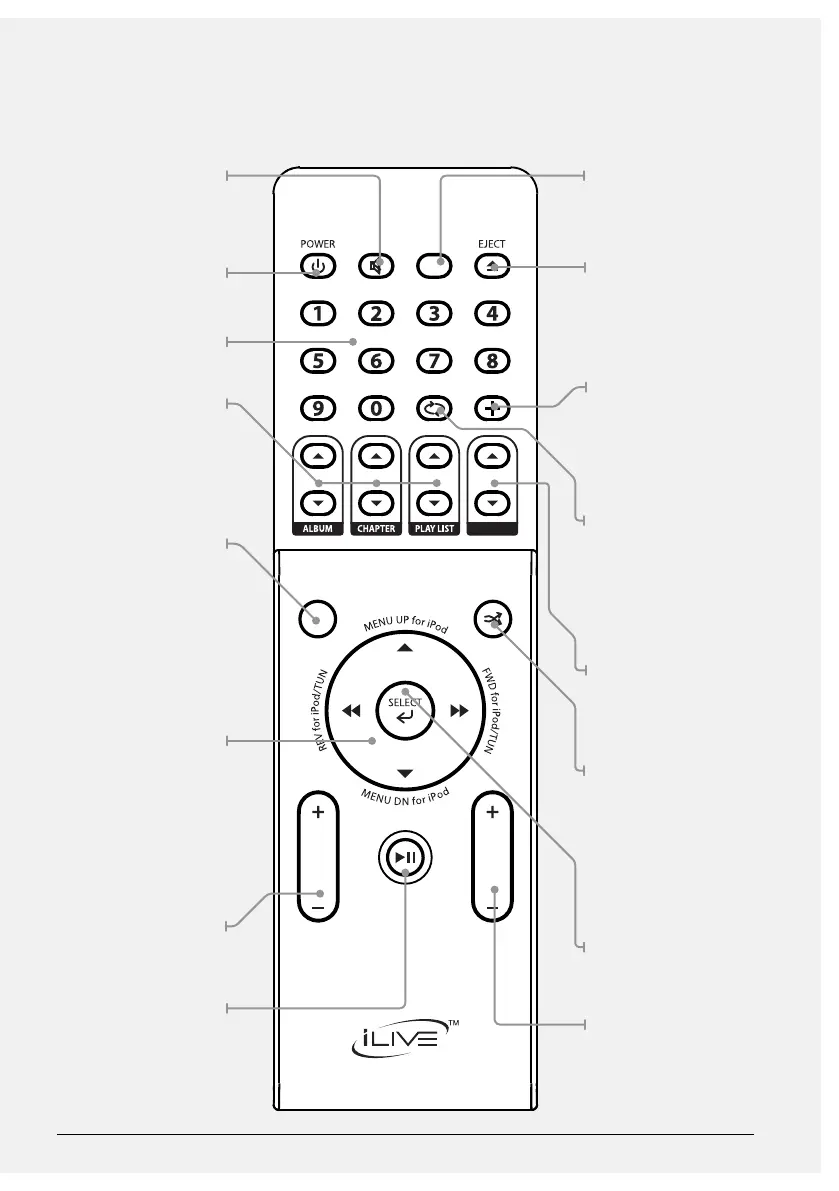
MUTE
Press to decrease the
audio output volume
on the unit entirely.
POWER
Press to turn the unit o
and on.
NUMBER KEYPAD
ALBUM/CHAPTER/
PLAYLIST
Press to cycle through
albums, chapters, and
playlists on a docked
iPod.
SLEEP
Press to activate the
sleep timer. Using
the FWD Button, the
sleep timer can be
set anywhere from 10
to 240 minutes, in 10
minute increments.
DIRECTIONAL REV,
FWD, SKIP, SEARCH,
TUNING, AND
NAVIGATION
Press to navigate a
docked iPod’s menu,
skip through tracks, or
tune the AM/FM radio.
Press and hold to search
through an individual
track.
TREBLE
Press to adjust the
treble of the unit.
PLAY/PAUSE/TIME
SET
Press to play or pause a
docked iPod. With the
unit powered o, press to
begin setting the clock.
SOURCE
Press to switch between
AM/FM radio, iPod, AV1,
and AV2 modes.
iPod DRAWER
Press to open or close
the Motorized Dock for
iPod.
MENU
Press to return to a
previous menu on a
docked iPod. In radio
mode, press the Menu
Button to cycle through
saved radio stations.
REPEAT/ST
Press to repeat a single
track or an entire album
from a docked iPod.
Press to switch the FM
radio between stereo
and mono.
VOLUME
Press to adjust the
volume of audio output
of the unit
CLOCK VIEW/
DIMMER/RANDOM
Press to view the clock
when in radio mode, or
play songs randomly in
iPod mode. Press and
hold to dim the LCD
display.
SELECT
Press to make selections
on a docked iPod.
BASS
Press to adjust the bass
of the unit.
FUNCTION
REPEAT/ST
VOLUME
MENU
TIME SET
MUTE
SLEEP
BASSTREBLE
CLOCK VIEW/
DIMMER