Customer Support: 1-888-999-4215 9
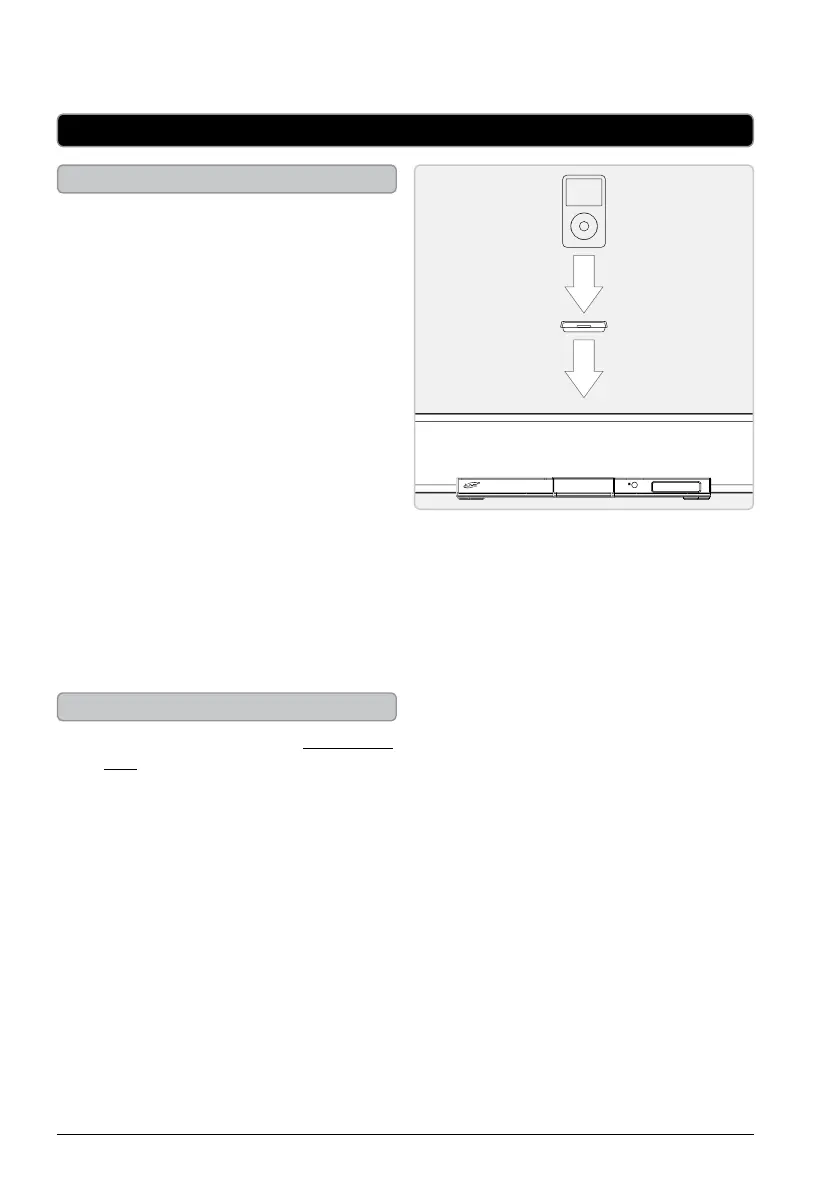
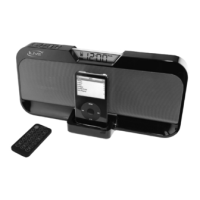
Docking an iPod
1. Locate the numbered adapter that ts
the iPod that will be docked.
Each included adapter has a number
on it, indicating which iPod model that
adapter is compatible with. See the
separate adapter chart to identify which
adapter is needed.
2. Press the iPod DRAWER button to
open the MOTORIZED DOCK FOR
iPod.
3. Snap the adapter into place over the
iPod connector in the dock.
4. Connect the iPod to the connector
inside the Dock for iPod.
5. When the dock is plugged in, using AC
power, the docked iPod will charge.
After removing the iPod from the
MOTORIZED DOCK FOR iPod, press the
iPod DRAWER button to close the dock.
Playing a Docked iPod
1. Follow the instructions for Docking an
iPod.
2. Press the SOURCE button to switch to
iPod mode.
3. Press the PLAY/PAUSE button to begin
playing the docked iPod.
iPod


 To Next Page