8
Audio Inputs
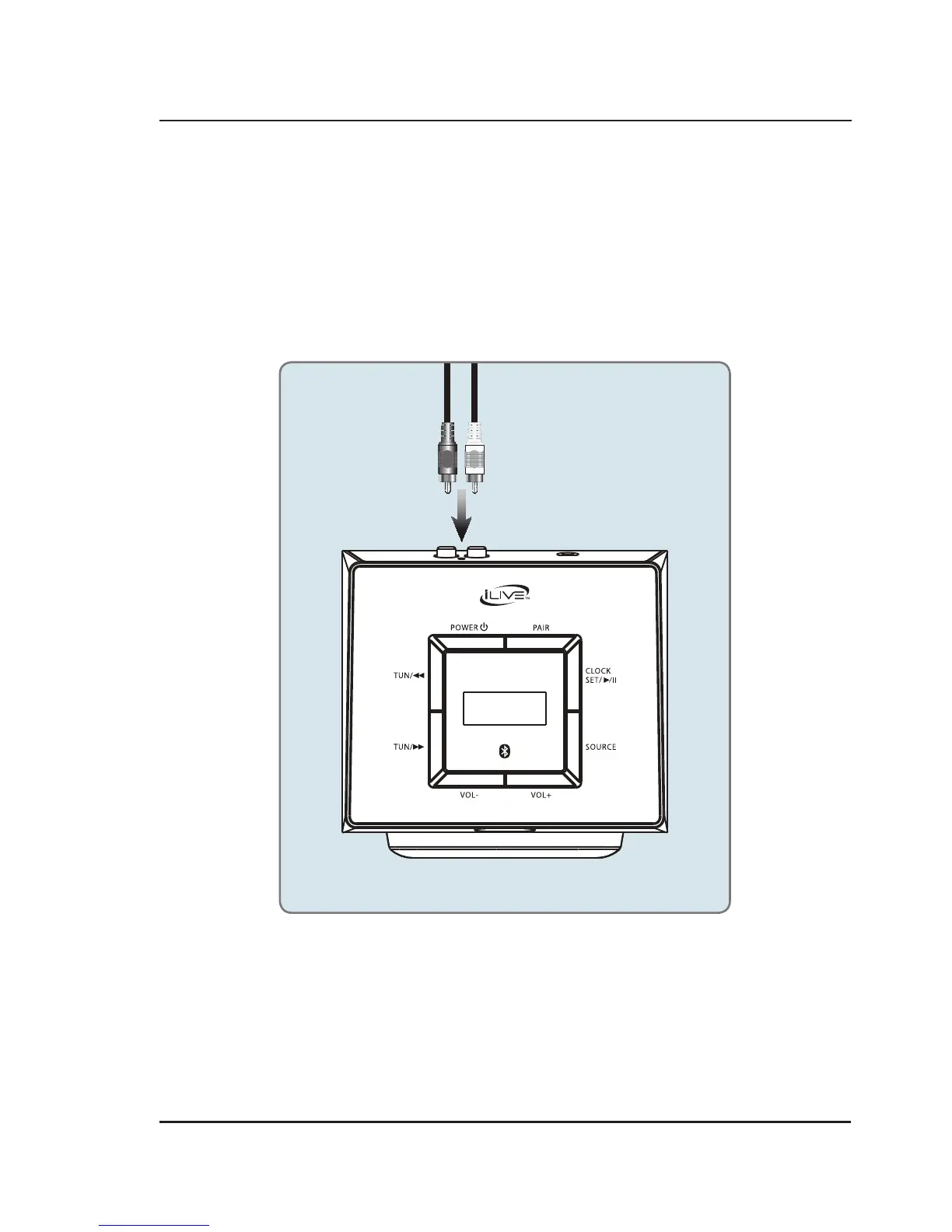
Using the Stereo RCA Inputs
When connecting two products using an RCA Cable, match the colored ports with the same colored connection.
1. Connect the RCA Cable to the RCA Stereo Inputs located on the back of the unit, and to the audio outputs
on the television.
2. Press the Power button to power on the unit.
3. Press the Source button repeatedly to enter AUX Mode.
4. Audio played through the television will now be heard through the speakers.



 To Next Page