Customer Support: 1-888-999-4215
5
Includes
• Remote control:
requires a CR2025 battery (pre-installed)
• RCA stereo audio cable
• AC/DC power adaptor
• Wall-mount hardware and instructions
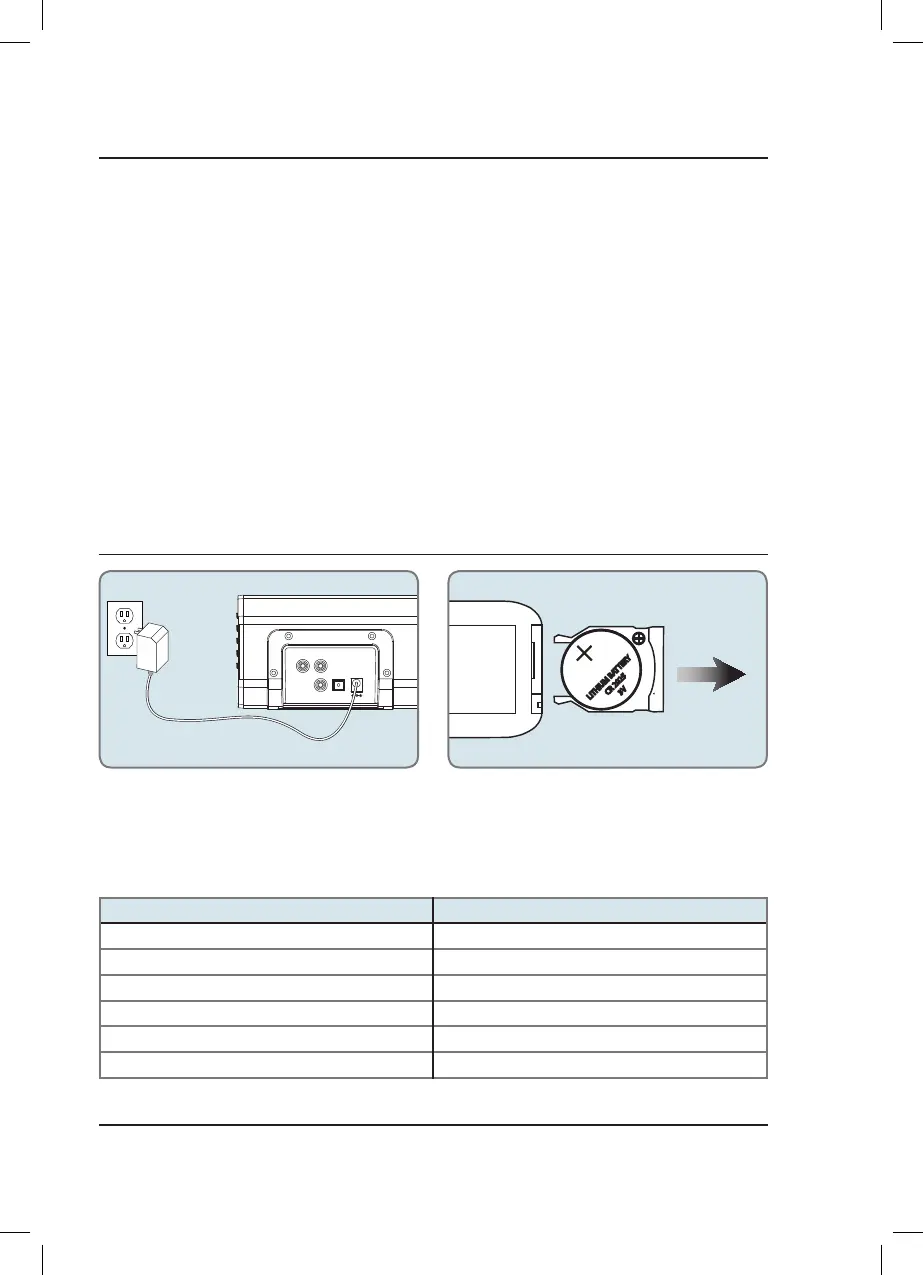
OPTICAL IN DC IN
R
SUB OUT
L
AUX IN
LITHIUM BAT
TER
Y
CR 2025
3V
Out
Slide
Remote Battery
Remote control: requires one CR2025 coin/button cell
battery (included).
Power
Plug the small end of the power cord into the
DC Input on the back of the speaker, and the
large plug into a standard wall outlet.
Indicator Lights
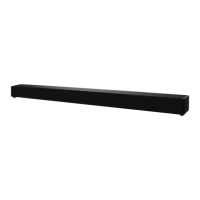
Unboxing Your HD Soundbar
Setup
Features & Specications
• 37" length
• Supports Bluetooth v2.1
• Supports Enhanced Data Rate (EDR)
• Supports profile A2DP (Advanced Audio
Distribution Profile)
• Wireless range: 33 feet
• Digital volume control
• Full-function remote
• Optical digital audio input
• 3.5mm audio input
• RCA stereo audio inputs
• Subwoofer output
• LED source indicators
• LED power indicator
• Wall mountable
STATUS INDICATOR
Power Off Red Light
Optical Mode Amber Light
Aux In Mode White Light
Line In Mode Green Light
Bluetooth Pairing Flashing Blue Light
Bluetooth Connected Blue Light
ITB284-1100-01-IB.indd 5 6/18/2014 3:59:09 PM



 To Next Page