7
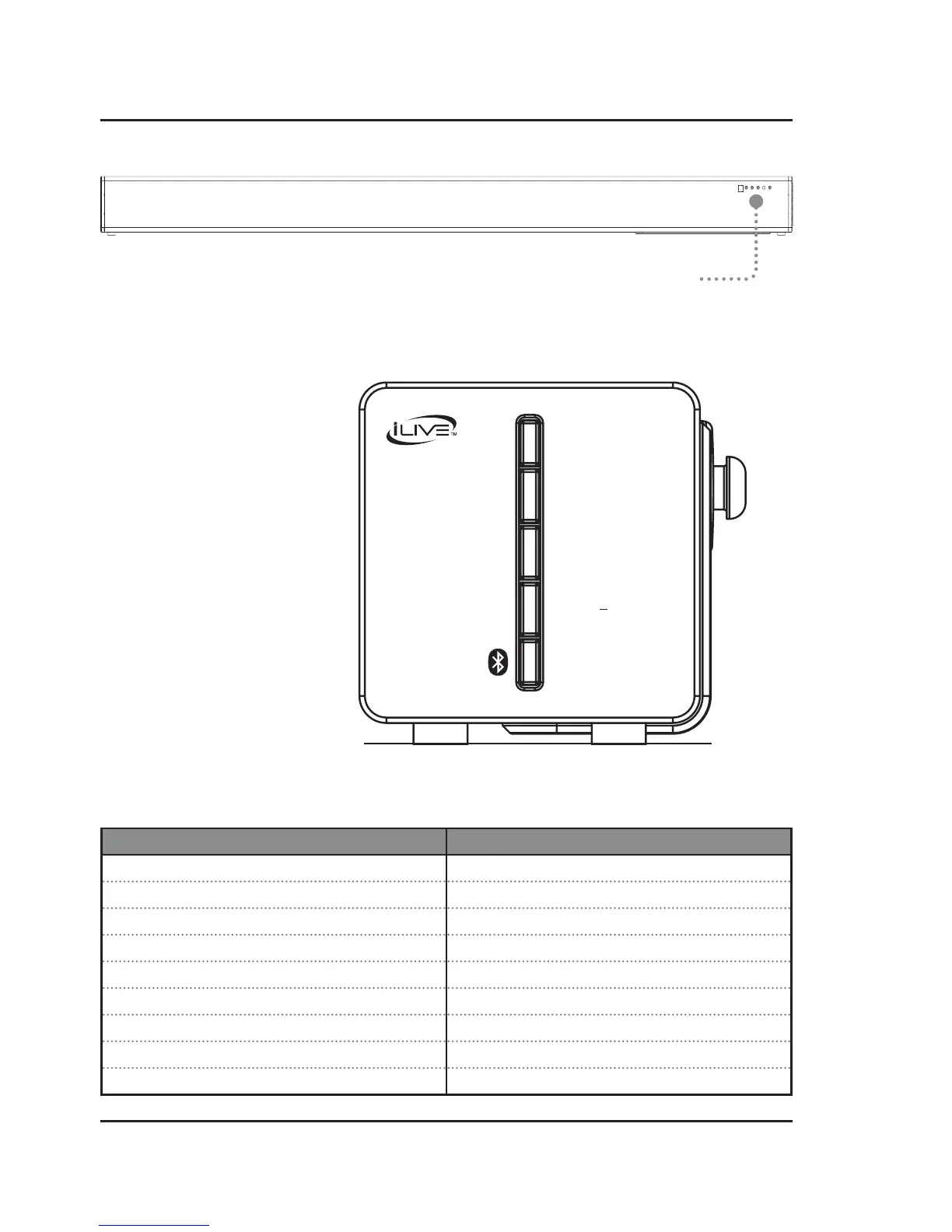
Speaker Controls (Right Side)
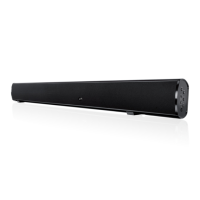
Front View
Remote IR Receiver &
Function Indicator Lights
Power
Press to power the unit ON or OFF.
Source/Connect
Press to switch between Optical,
Line In, Aux In, and Bluetooth modes.
Press and hold to wirelessly connect to
the subwoofer (see pg.12).
Volume +/-
Press to adjust the volume up or down.
Pair/Learn
Press and hold to begin pairing to a
Bluetooth device.
With the soundbar OFF, press to begin
using the Learn Feature (see pg.13).
Function & Media Source Indicators
Soundbar Status Indicator Light
Power OFF Red Light
Line In Mode Green Light
Optical Mode Orange Light
Aux In Mode White Light
Bluetooth Pairing Flashing Blue Light
Bluetooth Connected Blue Light
Mute Volume Flashing Source Light (ex. Line In - flashing green)
Adjusting Volume Source Light flashes with each adjustment
Max Volume Source Light remains solid
VOLUME +
PAIR/LEARN
VOLUME
POWER
SOURCE/CONNECT


 To Next Page