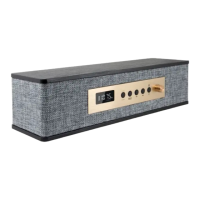
iLive | ITP100B10
IPHONE/IPOD
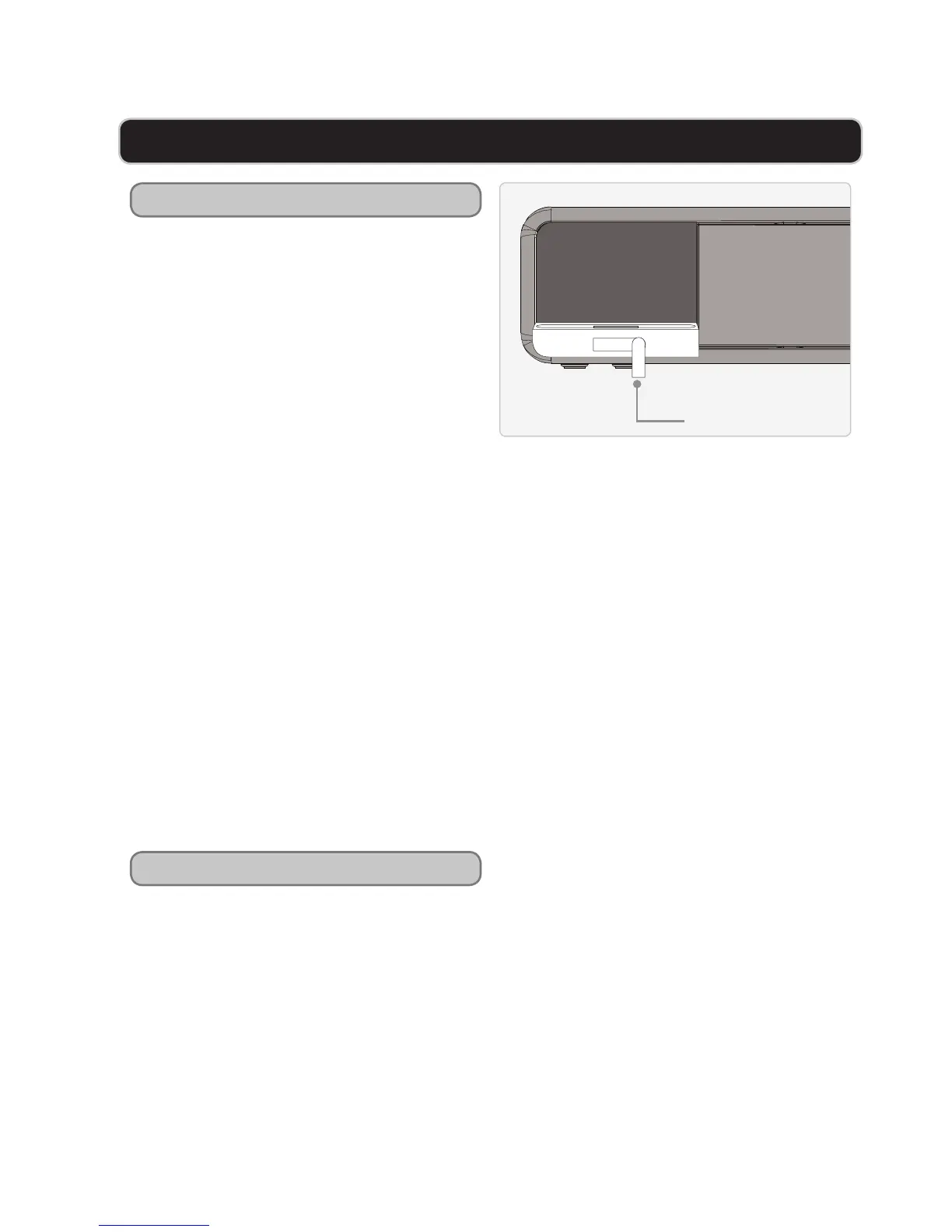
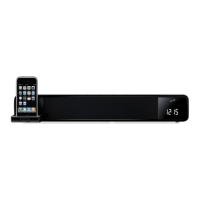
Docking an iPhone/iPod
1 Press the top right corner of the
SOFT EJECT DOCK FOR iPhone/
iPod to expose the dock for iPhone/
iPod.
2 Swing the STABILITY LEVER down
to stabilize the bar speaker while
docking an iPhone or iPod.
3 Locate the numbered bracket that
ts the iPhone/iPod model that will
be docked.
Each included bracket has a number
on it, indicating which iPhone/iPod
model that bracket is compatible with.
See the separate bracket chart page to
identify which bracket is needed.
4 Snap the bracket into place over the
iPhone/iPod connector in the dock.
5 Connect the iPhone or iPod to
the connector inside the Dock for
iPhone/iPod.
When the speaker is plugged in, using
AC power, the docked iPhone or iPod
will charge.
STABILITY
LEVER
Playing an iPhone/iPod
1 Follow the instructions for DOCKING
AN iPhone/iPod.
2 Press the POWER button to turn the
bar speaker on.
3 Press the SOURCE/CLOCK ADJUST
button to switch to iPOD MODE.
4 Press the PLAY/PAUSE button on the
remote to begin playing music from
a docked iPhone or iPod.


 To Next Page