16
ITP180B User Guide
Troubleshooting
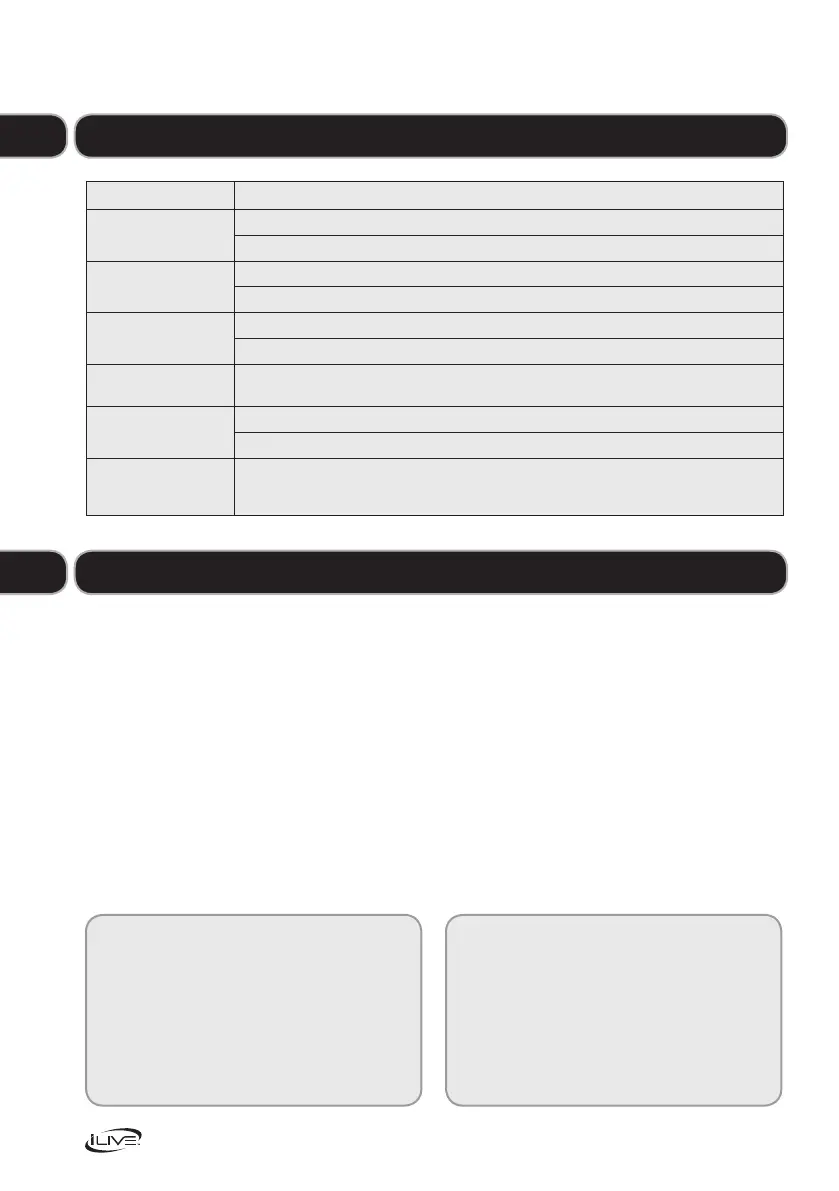
Problem What to do
No power Check that the power is switched on at the wall.
Check if the power cord is properly connected to the power outlet.
No sound CheckthatthevolumecontrolisNOTatminimumsetting.
CheckthatitisNOTsettomute.
Radio channel
reception is poor
Adjusttheantennalocationandpositiontoobtainthebestsignalreception.
Tune to the correct radio channel frequency.
Function disturbed Ifnoneoftheabovesolutionswork,tryswitchingoffandunpluggingyourmusicsystem,
leavingitfortwominutesandthenswitchingitbackonagain.
Theremotecontrol
won’t work
Inspect or replace the batteries.
Make sure there are no obstacles obscuring the front of the player.
TFTdisplayisfrozen
(orpartiallyfrozen)with
amosaiclikepattern
ESD(electrostaticdischarge)duetocontactwiththeTFTscreenframe.
Disconnecttheunitfromthepowersupplyandthenreconnect.
Need extra help?
Don’t worry we’re just the other end of the
phone.Ifyou’reexperiencingproblemsusing
your new product, before returning it to the
retailer just call 0844 481 5000
Monday-Friday9am-8pm,Saturday9am-5pm
Sunday11am-4pm.Callschargedatlocalrates.
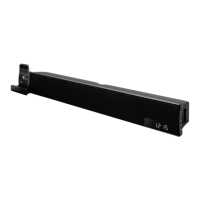
Lovingyournewbarspeaker?ASDAhasawide
variety of electrical and other products that are
available either instore or online.
Formoreinformationvisityourlocalstore
or find us online at www.asda.com
Need something else?
1 Do not use harsh or abrasive cleaning
agents or solvents.
2 Polish the screen with soft cloth and if
necessaryarecommendedglasscleaner.
3 Donotattempttodisassemble
your product.
4 Do not paint your product.
5 Do not drop, throw or try to bend
your product.
6 Do not expose your product to open
flamesorlittobaccoproducts.
07
Maintenance
08


 To Next Page