EasyManua.ls Logo

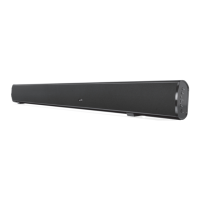
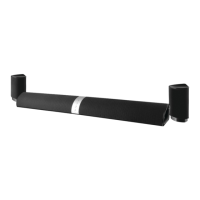
iLive ITP180B - Bar Speaker Overview and Controls; Speaker Unit Diagram and Labels

iLive ITP180B
20 pages
Print Icon
To Next Page IconTo Next Page
To Previous Page IconTo Previous Page
Loading...
4
ITP180B User Guide
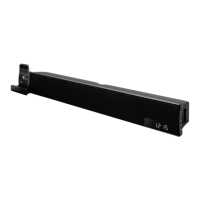
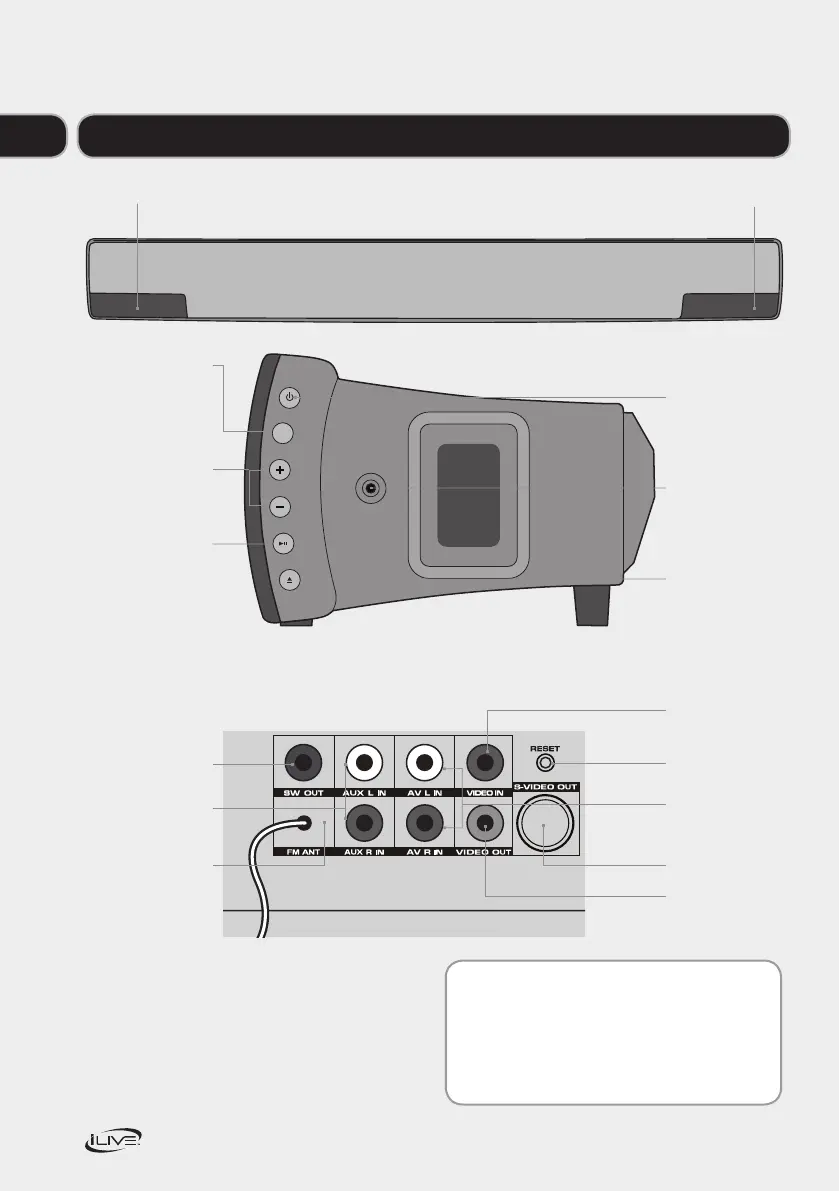
Your Bar Speaker with dock for iPhone and iPod
Motorised Dock for iPod
Display
Tip:
Where a button that appears on both the radio
andremotecontrolisreferencedinthisguide
you can use either button to use that function.
STANDBY
SOURCE
VOLUME
PLAY/PAUSE
S
iPod DRAWER
LINE IN
STANDBY
Press to turn the
bar speaker off
or on.
LINE INPUT
(3.5mm)
iPod DRAWER
Press to open
or close the
motorizeddock
for iPhone/iPod.
SOURCE
Press to switch
between iPhone/
iPod,AV,AUX,
andFMmodes.
VOLUME
Press to adjust
thevolume.
PLAY/PAUSE
Press to play or
pause a docked
iPhone or iPod.
Video input
Reset
S-video outputs
Video output
FM antenna
Subwoofer
output
Auxiliary inputs
R and L
AV inputs
R and L
01

Related product manuals