9
ITP180B User GuideCustomer Helpline Number: 0844 481 5000
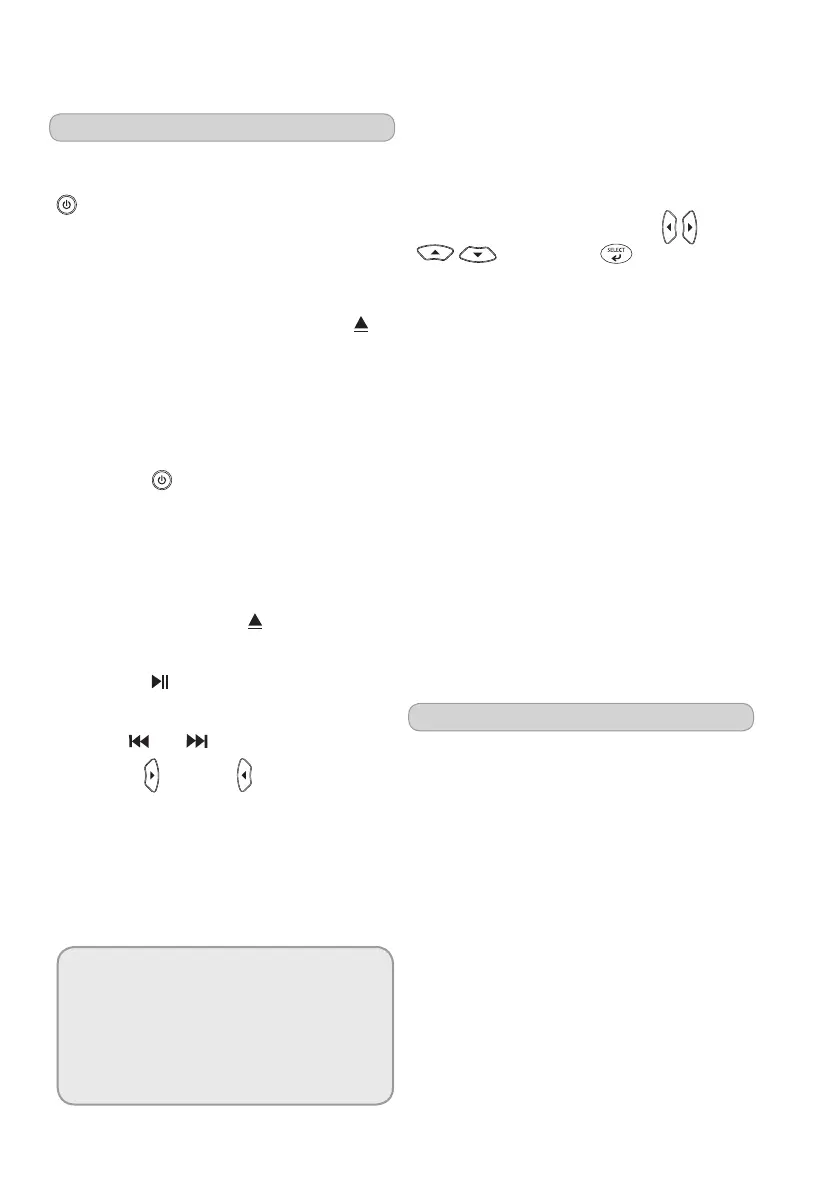
Playing your iPod
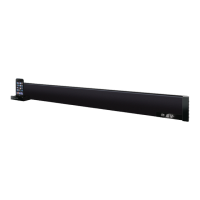
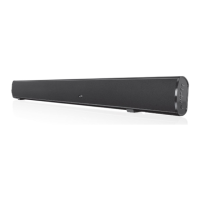
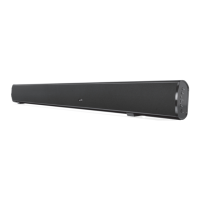
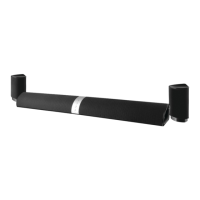
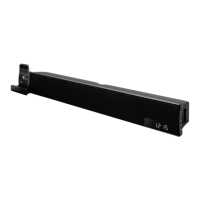
You can play your iPod through your bar
speaker. Turn the speaker on using the
STANDBY(STANDBY/ON on the
remotecontrol)buttonandthenselect
theiPodmodeusingtheSOURCE button.
Connect your iPod to the cradle on the
frontofthesystemtodothisyouneed
to open the iPod draw by pressing the
buttonwhenintheiPodmode.Onceyou
have done this you will have to select the
correct adapter. See the chart below on
page15forfurtherdetailsoncompatible
iPods.
1 Press the STANDBY button
(STANDBY/ON ontheremotecontrol)
to turn the unit on.
2 Press the SOURCE button to switch
theunittoiPodmode.
3 Press the iPod drawer
button to open
themotorizeddockforiPod.
4 Press the button to begin playing
the docked iPod.
Press the and buttons to skip tracks.
Press FWD and REV to search tracks
while listening.
Note:
Charging your iPod
Whilethepowerison,themicrosystemwill
automaticallychargeyouriPod.
Press the CHAPTER, ALBUM, or
PLAYLISTSbuttonsontheremoteto
navigatethroughthechapters,albums,
or playlists on a docked iPod.
You can use the DIRECTIONAL
buttons and button
ontheremotetonavigatetheiPod’s
menuandmakeselections.
Press the REPEAT button to turn the
repeat option on the docked iPod, off
or on. Press the REPEAT button once to
repeat the current audio track and twice
torepeatanentirealbumorplaylist.
Press the MENUbuttonontheremote
toaccessthedockediPod’smenu.
There are a range of other functions you
can use whilst playing your iPod, please
seebeloworpage5formoredetails.
Please note, if the docked iPod is not
updatedwiththelatestfirmwarefrom
Apple,itmaynotfunctionproperly
with the unit.
Setting the Sleep Timer
Press the SLEEP button, 90 will be displayed.
Press the SLEEPbuttontoselectatime
between90and1minute/s.
Select 0 to turn the sleep function off.
Aftertheselectedtimehasexpired,
the unit will turn itself off.


 To Next Page