EasyManua.ls Logo

iLiving ILG8SF10V-T - User Manual

iLiving ILG8SF10V-T
12 pages
Print Icon
To Next Page IconTo Next Page
Loading...
1
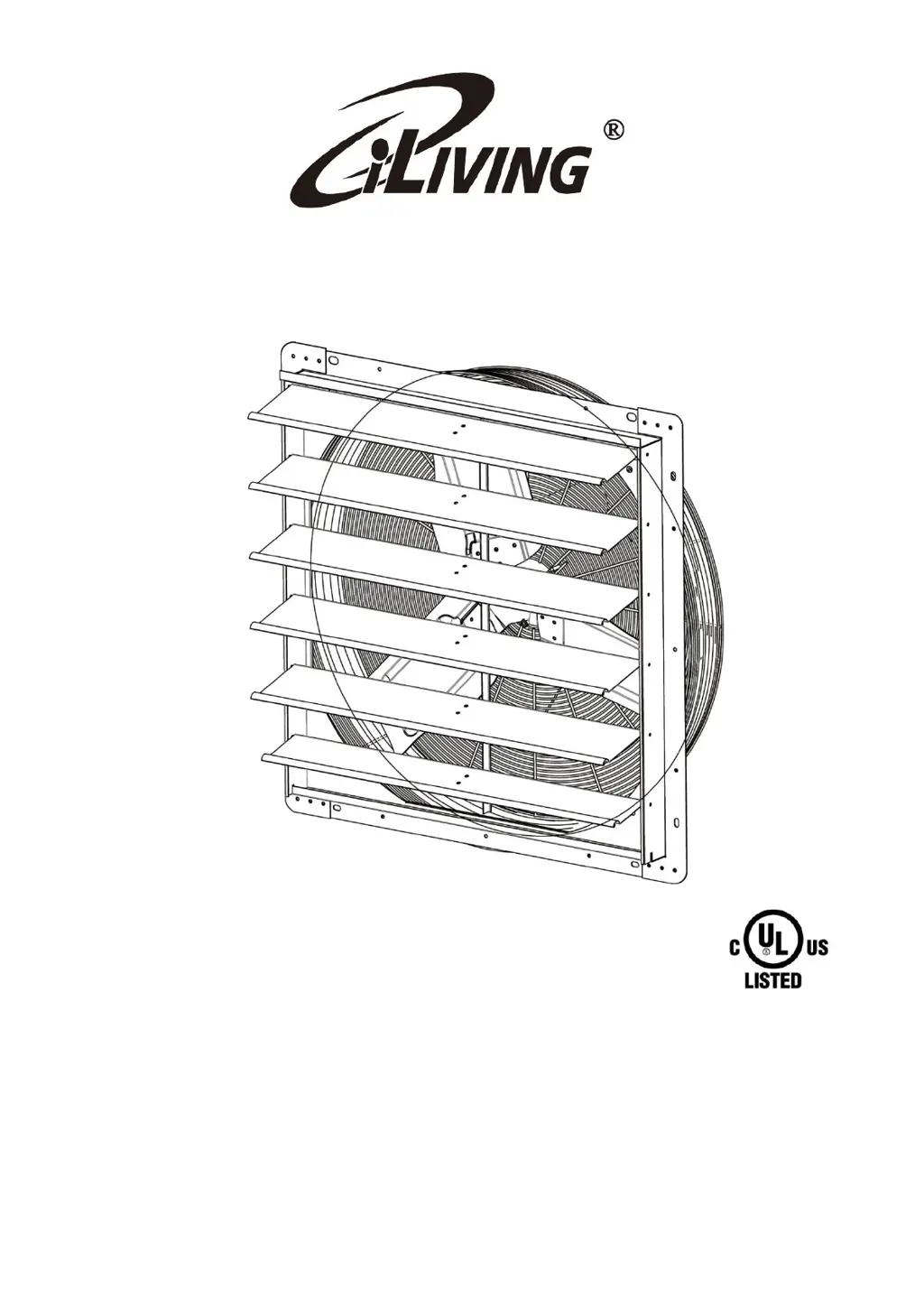
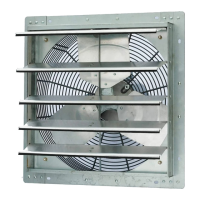
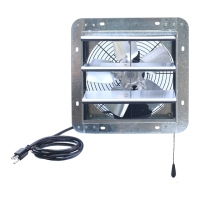
MULTI-SPEED SHUTTER MOUNTED
EXHAUST FAN WITH THERMOSTAT
Models: ILG8SF10V-T/ILG8SF12V-T/ILG8SF14V-T/
ILG8SF16V-T/ILG8SF18V-T/ILG8SF20V-T/
ILG8SF24V-T/ILG8SF30V-T
OWNER'S MANUAL
PLEASE READ AND SAVE THESE
INSTRUCTIONS

Questions and Answers

  • A
    Adam WalkerJul 28, 2025
    What to do if my iLiving ILG8SF10V-T Fan is inoperative?
    • R
      Richard MillsJul 28, 2025
      If your iLiving Fan is inoperative, first, check if the fuse is blown or the circuit breaker is open and replace the fuse or reset the circuit breaker. If that's not the issue, the motor might be defective and needs replacement. Also, ensure the switch is in the ON position.
  • A
    Ashley ParsonsAug 6, 2025
    Why does my iLiving ILG8SF10V-T Fan have insufficient air flow?
    • W
      whiteheadstephanieAug 7, 2025
      If your iLiving Fan has insufficient airflow, the issue could be due to several reasons. First, check for any obstructions blocking the intake or exhaust openings and clear them. Clean the motor, guard, propeller, and shutter assembly. Also, consider increasing the opening of the fresh air intake. Low voltage in the electrical wiring may be another cause, so check the wiring. Finally, make sure the speed control isn't set too low; increase the speed using the controller.
  • S
    shawrichardAug 17, 2025
    How to fix excessive noise in iLiving ILG8SF10V-T?
    • P
      Phillip RodriguezAug 18, 2025
      Excessive noise from your iLiving Fan can be caused by a few things. It could be that the propeller is loose; in this case, tighten the set screws on the propeller hub. A bent or damaged propeller can also cause noise, so consider replacing it. Lastly, loose guard assembly or motor fasteners might be the culprit; tighten them as required to 15-20 lbs. per inch.

Summary

OWNERS MANUAL

BEFORE YOU BEGIN

Electrical Requirements

Details on voltage, amperage, and wiring compliance for the motor.

Tools and Materials Needed

List of tools and materials not included with the fan for installation.

UNPACKING

Inspect Fan After Unpacking

Instructions for checking for transit damage, loose, or missing parts.

IMPORTANT SAFETY INSTRUCTIONS

Thermal Protection and Mounting Cautions

Guidelines for thermal protection, interior wall mounting, and avoiding hot surfaces.

INSTALLATION INSTRUCTIONS

Secure Mounting on Wooden Plank

Instructions for securely mounting the unit on a wooden plank.

Install Shutter Fan with Screws

Guidance on installing the shutter fan through mounting holes.

Air Space and Grounding Requirements

Ensuring adequate air space and proper electrical grounding for safety.

Wiring Diagram

Dimensions (Inches)

Performance

OPERATING INSTRUCTIONS

Thermostat Control Panel

Explanation of the thermostat switch and knob operation for temperature control.

MAINTENANCE

TROUBLESHOOTING

Warranty Information

Feedback and Contact Information

Information on product registration, customer feedback, and support contacts.

iLiving ILG8SF10V-T Specifications

General IconGeneral
BrandiLiving
ModelILG8SF10V-T
CategoryFan
LanguageEnglish

Related product manuals