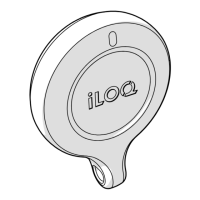
7. Replacing the reader knob
If the reader knob is e.g. damaged and needs a replacement knob, please follow these instructions to
replace the reader knob correctly.
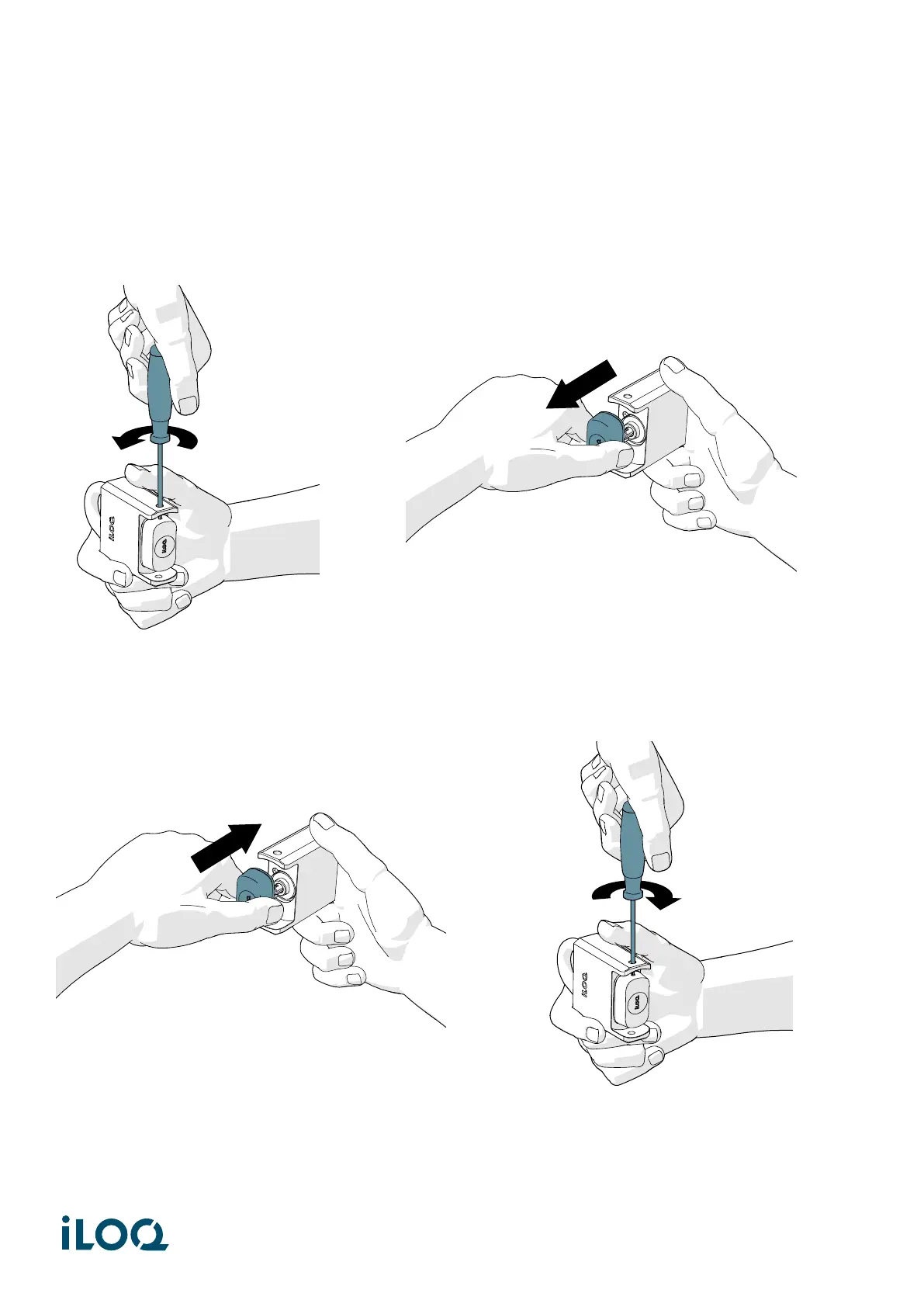
1. Loosen the fixing screw (with a T10 screwdriver) and pull the knob off.
2. Before installing the new knob, add a small amount of CRC silicon grease to the knobs IP gasket.
3. Insert the new knob on and tighten the fixing screw (1.5 Nm).
11
Document ID - 189730
iLOQ S5/S50 (iLOQ H50S)


 To Next Page