6. Operating instructions for iLOQ H50S
Before using the locks, please check the location of the NFC antenna in your phone to know the best
position to hold the phone against the lock-reader knob. Information may be available in the datasheet of
your phone. With Android mobile phones you may be able to check the NFC antenna location from the
mobile phones NFC menu/information.
Note! Due to large variety of NFC enabled phone models and operating
system versions, iLOQ cannot guarantee that all NFC-enabled phones will
work seamlessly with our locks.
6.1 Opening
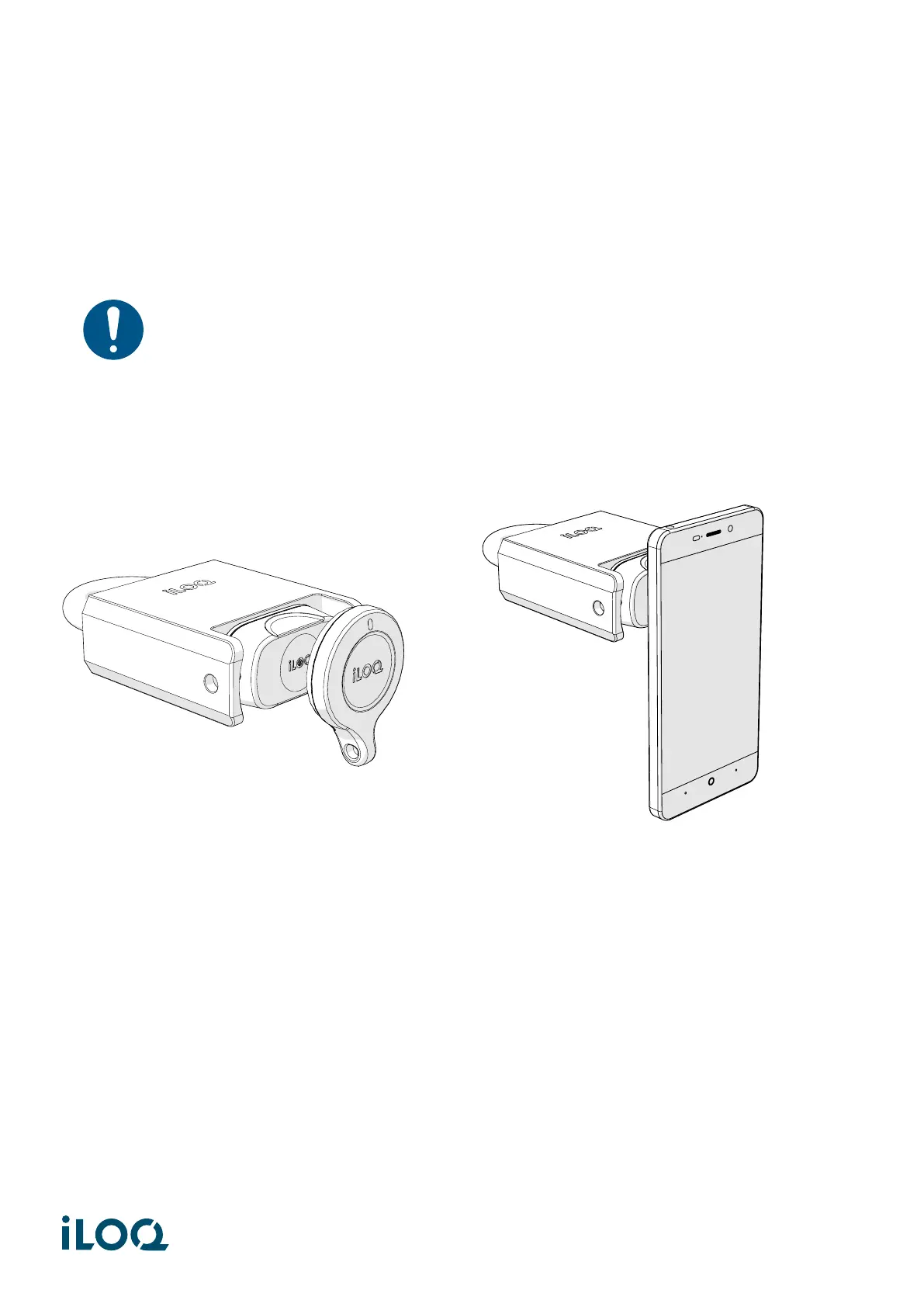
To open the H50S padlock, you can either use:
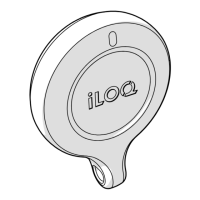
• An iLOQ S50 Key Fob (with a valid access right), by placing the Key Fob in the middle of the black
knob as shown on the left hand side picture.
• A mobile phone with an NFC capability, by placing the NFC aerial in the middle of the knob, as
shown on the right hand side picture.
5
Document ID - 189730
iLOQ S5/S50 (iLOQ H50S)


 To Next Page