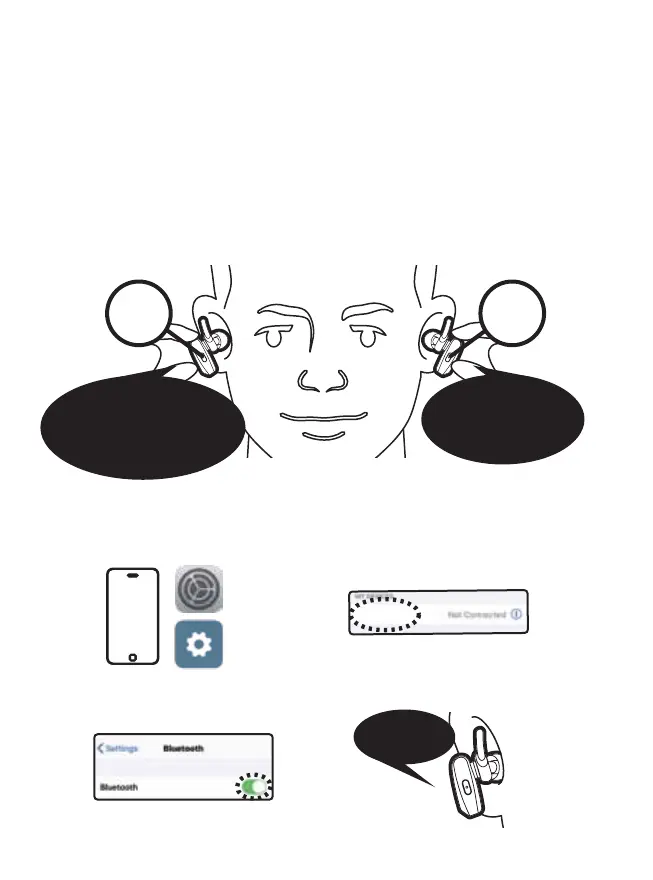
Pairing
successful
4
5. Power On and Pairing
1. To turn on, press multifunction buttons on BOTH earbuds
for 2 seconds
After opening a new package initially, follow these steps. Skip
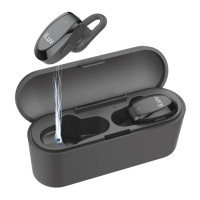
step 5-1 when the earbuds are taken from the charging case.
The right earbud is assigned as the master earbud by default
and connects to left earbud (slave earbud) automatically.
2. Turn on Bluetooth on your mobile device
a. Go to settings
c. Scan for and select "iLuv
TrueBTAir"
d. Voice Prompt: "Pairing
Successful" on right earbud
b. Turn on Bluetooth
iLuv TrueBTAir
1. Power on
2. Connected,
right channel
3. Please pair to your device
(On master earbud)
1. Power on
2. Connected,
left channel
...
:02
Hold
:02
Hold


 To Next Page