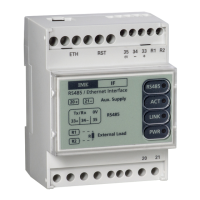
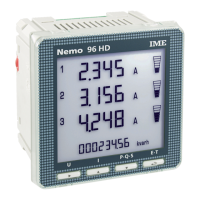
The devices that are already included, without any need of configuration, are
the followings :
NEMO 96HD, NEMO 96HD+, NEMO 96HDLe (NOT NEMO 96HDL)
NEMO 72-L
NEMO D4-L, NEMO D4-L+
CONTO 72-Pt, CONTO 96-Pt
CONTO D4-Pt, CONTO D4-Pt MID, CONTO D4-Pd, CONTO D4-Pd MID
CONTO D2, CONTO D2 MID
Meaning of the 4 buttons :
1) Save and Reboot
2) Default and Reboot
3) Reboot
4) Change password
Save and Reboot : to save the modified data and reboot the interface
Default and Reboot : to setup the interface with the default parameters.
Reboot : to restart of the interface without any modification
Change password : to set a new password.
Attention : do not forget the password otherwise the next access to
the interface will be forbidden
“Download” : to export the data into a file in Excel format “acq.csv”.
This operation freezes the values actually displayed on the screen.
Should the automatic updating be active, it would be stopped and, if
wanted, it should be reactivated by the user.
Attention : this feature is not comparable to a normal data logger.


 To Next Page