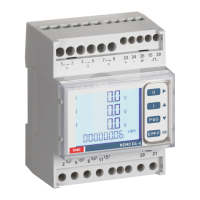
Nemo D4-e
07/17 10783591 WEB E cod.MFD4E06
6
1.1 Customised display page
It is possible to select which magnitudes will appear in the three display lines.
To customise the page, select the desired magnitude for
line 1
(among those indicated in Table 1)
select the measurement
OK to confirm
Select the desired measurement for the line 2
(among those indicated in Table 2)
select the measurement
OK to confirm
Select the desired measurement for the line 3
(among those indicated in Table 3)
select the measurement
OK to confirm
The customised page will become the standard display when the instrument is
switched on.
Note If you do not want to configure the customised page go directly to
point 1.2 Connection pressing the key several times
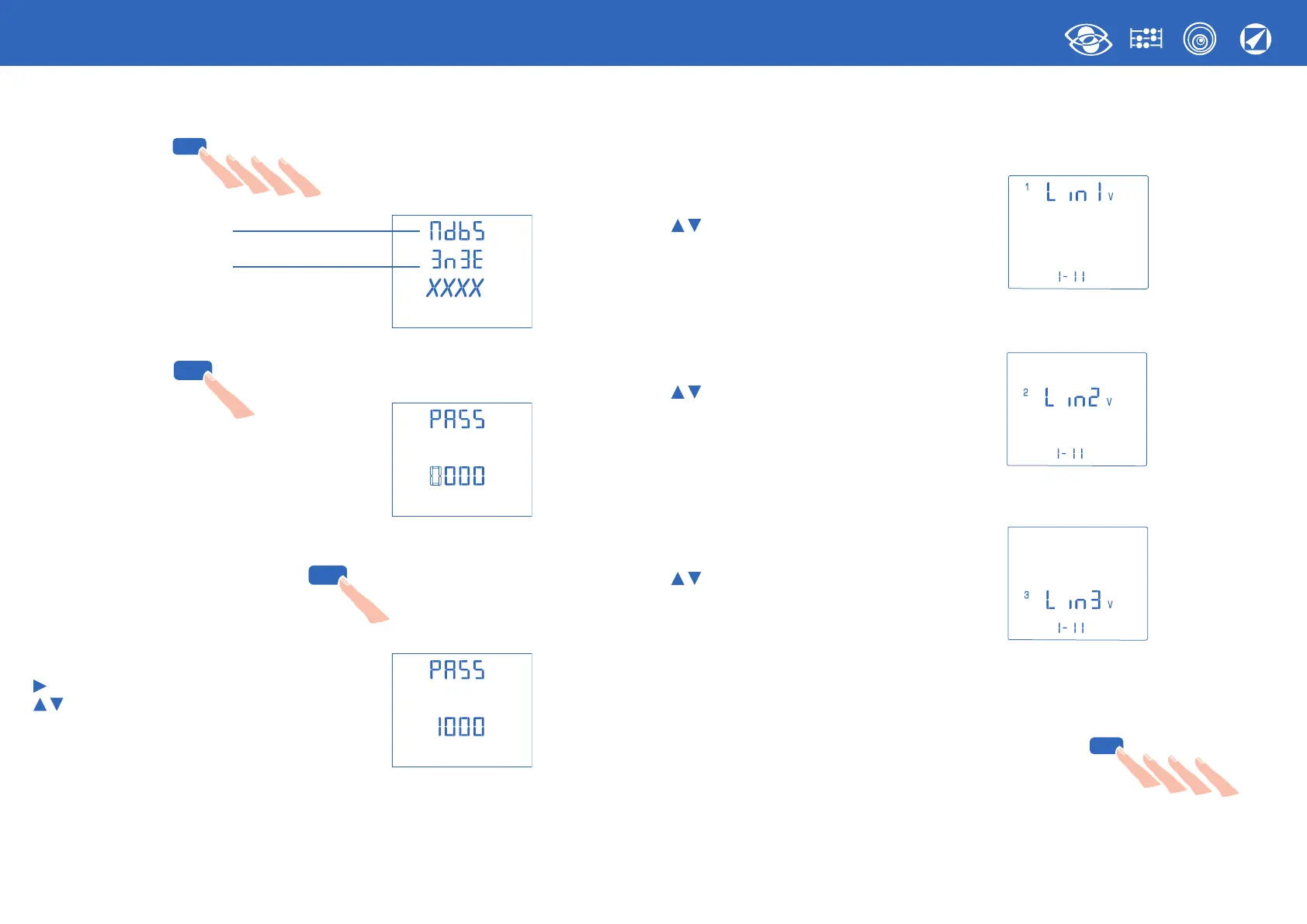
1.0 Password 1000
Press the key several times until the page is displayed:
Type of communication
Connection
Keep the key pressed until the page is displayed:
Set password 1000 and confirm
move the cursor
increase/decrease the set value
OK to confirm
E PF F
..
OK
E PF F
..
OK
E PF F
..
OK
E PF F
..
OK


 To Next Page
 Loading...