Place your iSyncWave
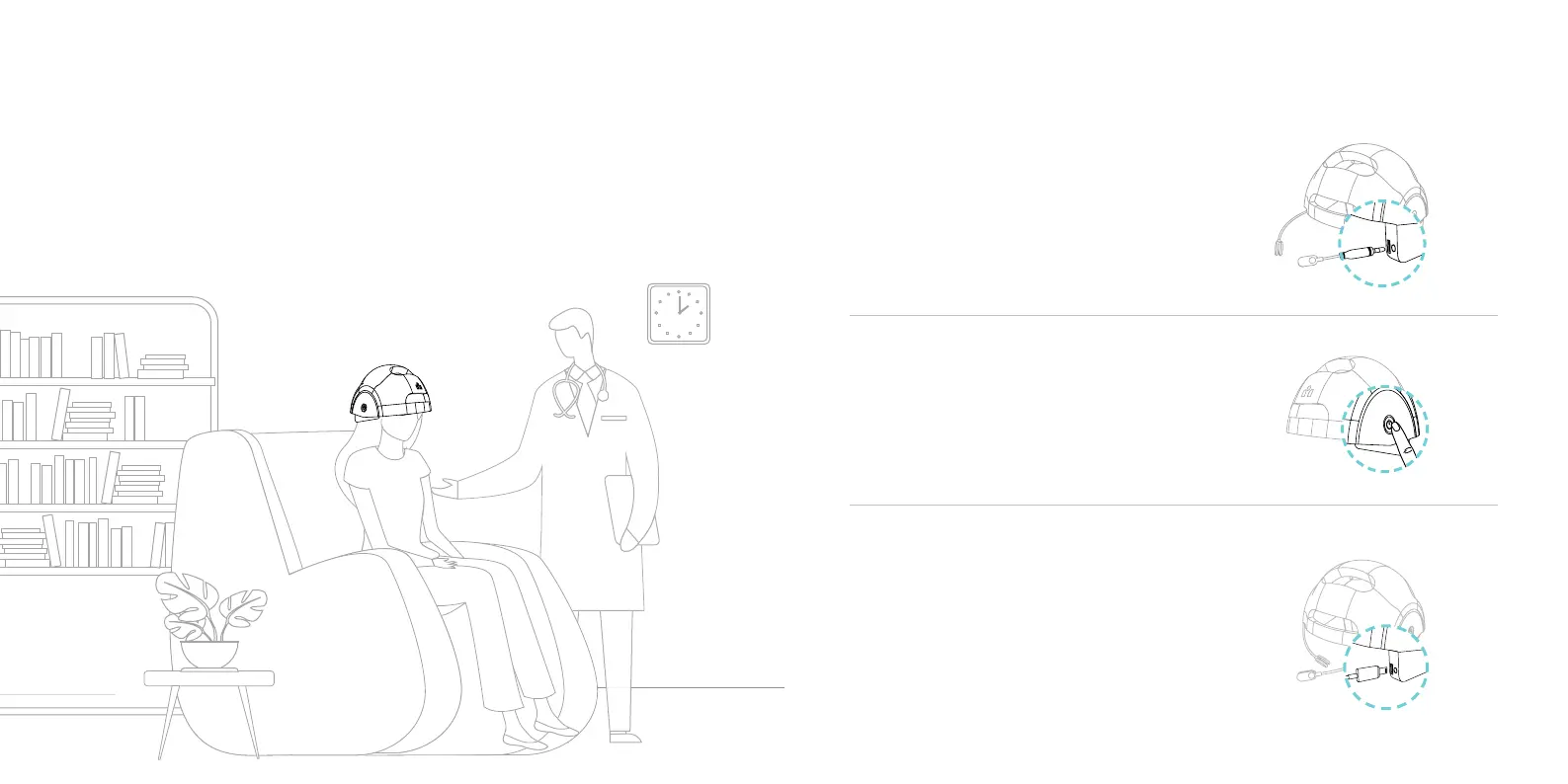
Important considerations for placing your iSyncWave for the use:
Optimal environment to operate the device is quiet and unattended area
for the instructor and the client to be relaxed and be at ease.
iSyncWave Setup
1. Remove the cover
2. Preparations
3. Turn on the Device
4. Recharge
Connect the sensors to each side
Push the button at the left side of helmet
to turn the device on
Connect the C-type battery charger
to the Device to charge the product.
It may take up to three hours
for maximum charge.


 To Next Page