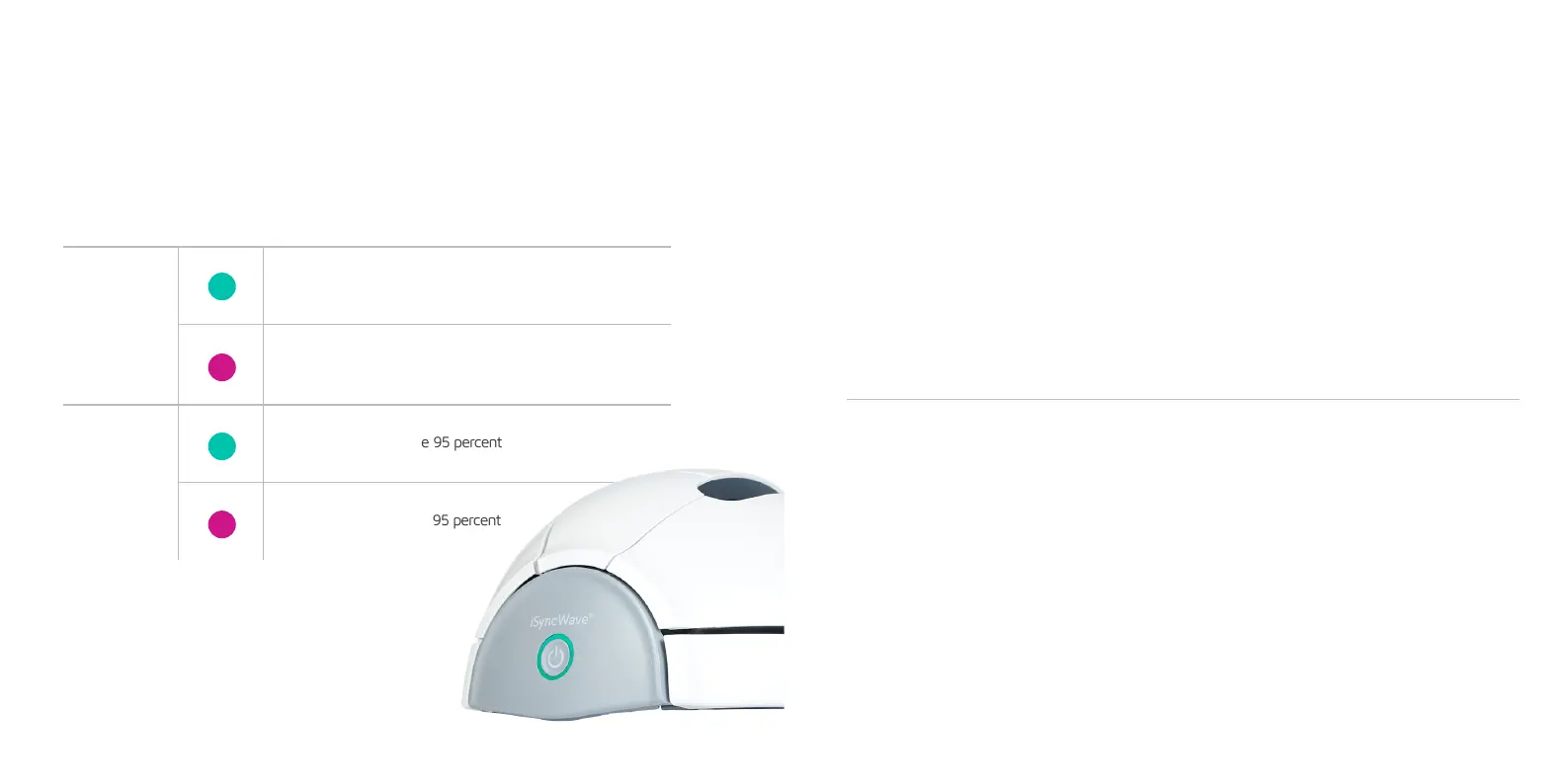
LED Indication Guide
Power On
Battery charged above Thirty Percent
Battery charged below thirty percent
Battery charged above 95 percent
Battery charged below 95 percent
Charging
Status Color Description
Cleaning and Maintenance
Replacing the Electrodes
1. Turn off the iSyncWave.
2. Gently brush electrodes with Isopropyl alcohol.
3. Dry the iSyncWave completely before use.
4. Turn the iSyncWave back on and continue with brainwave measurement.
*Do not use ammonia or acetone to clean the electrodes or the surface
1. After two hundred or more measurements, check the electrode condition
if the Silver chloride coating has been ripped or come off.
2. Check the substitute electrodes for the replacement.
3. Place the new electrodes on the device.
4. Turn the device back on.
5. Check the signal quality with the new electrodes.
6. Continue with the brainwave measurements.
The device shall be cleaned and disinfected as the electrodes along
with the inner surfaces of iSyncWave, in which multiple contacts are made with the skin and hair.


 To Next Page