10
Real-time Surveillance
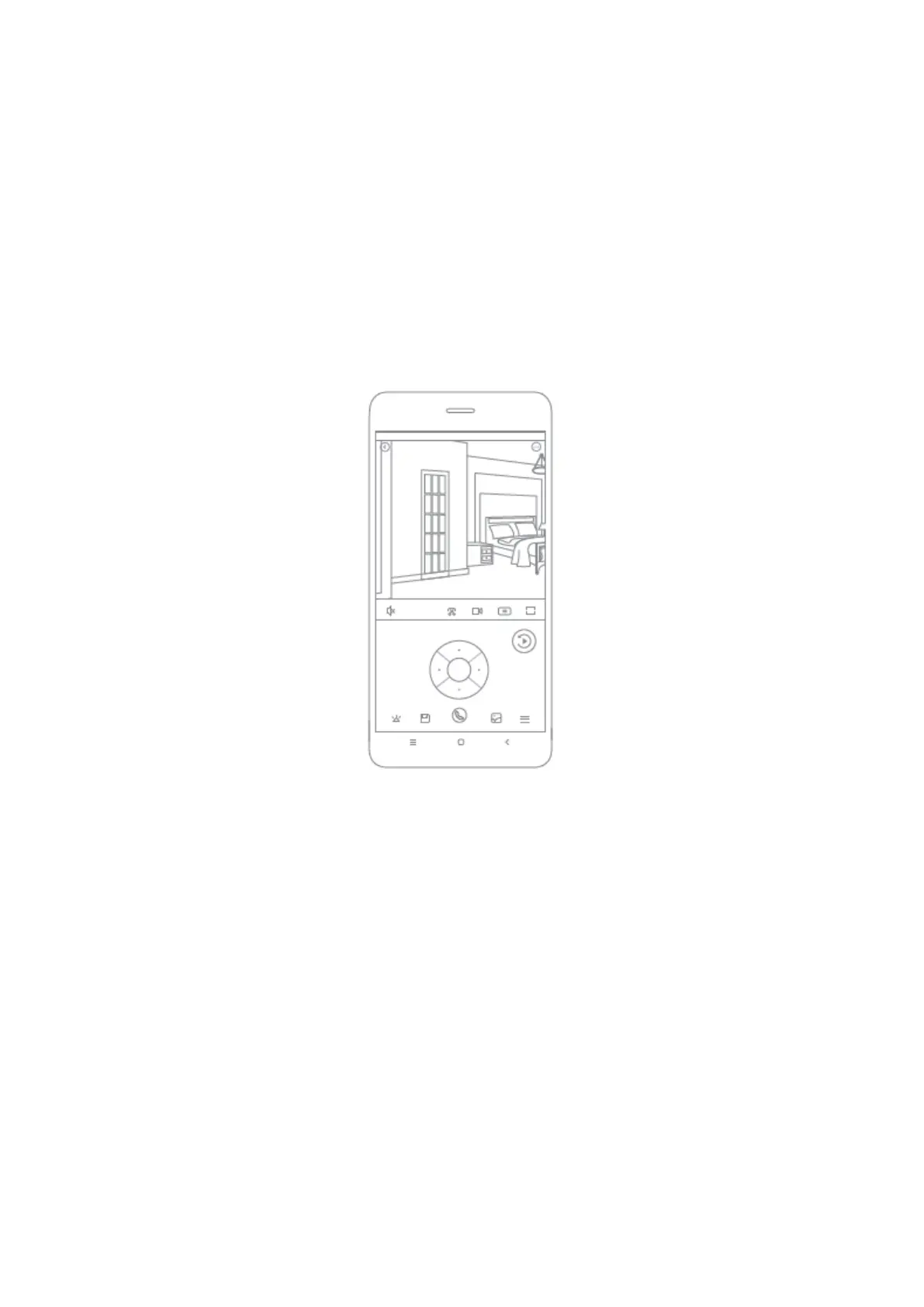
Launch the Mi Home/Xiaomi Home app and select a IMILAB Home Security Camera A1
that is already connected to monitor the surroundings in real-time. The camera’ s
control interface allows you to adjust the sharpness of the image, as well as to change
the device’ s vertical and horizontal viewing angles.
Additional features such as screen capture or record and remote communications can
also be performed.
Note:
The diagram is for reference only. Actual displays will vary based on different versions of
the Mi Home/Xiaomi Home app and your smartphone model.



 To Next Page