14
Shared Remote Viewing
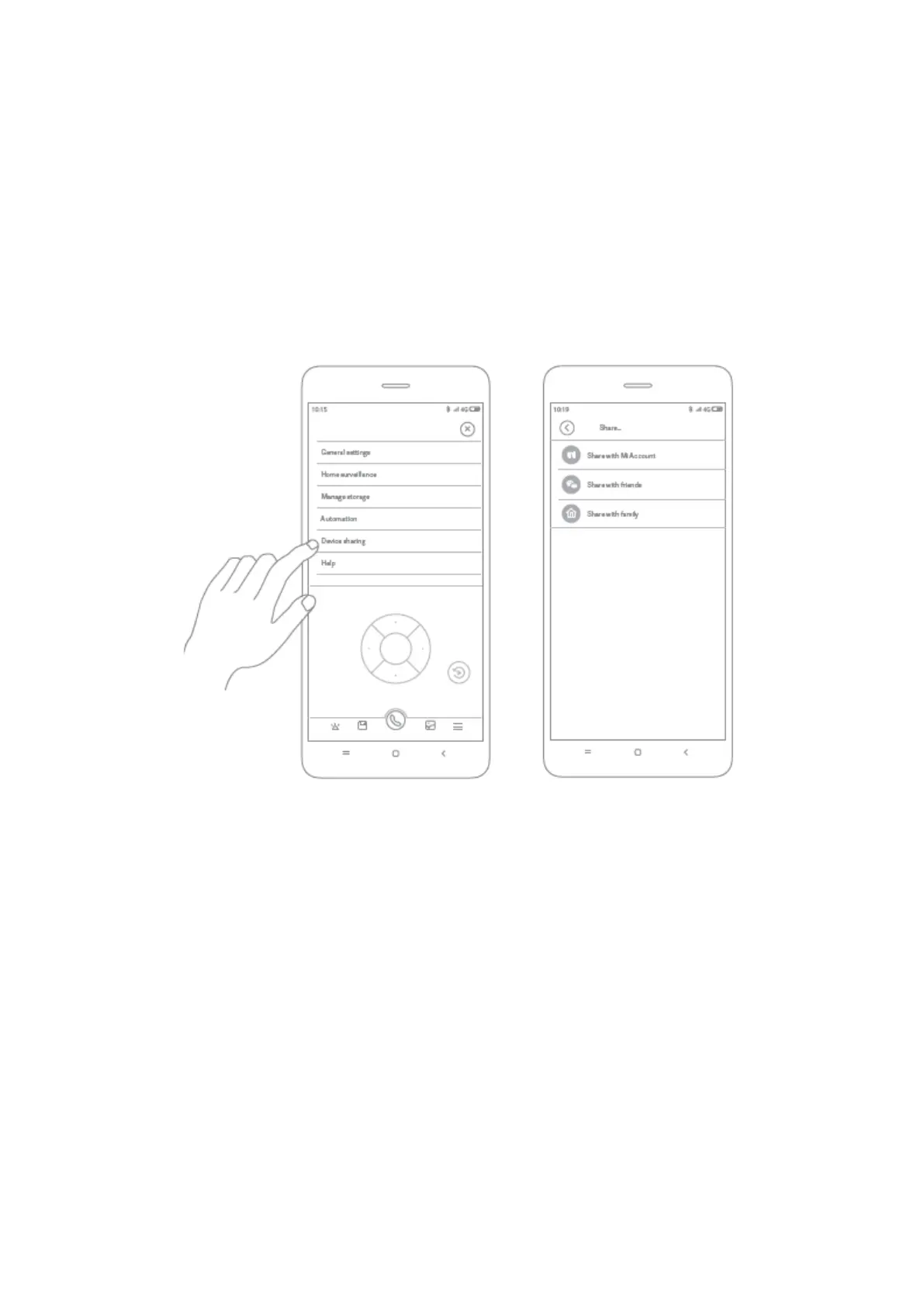
Through the IMILAB Home Security Camera A1 control interface in the Mi Home app,
you can set your security camera as a shared device under the general settings menu
and invite your friends to view the camera remotely.
Your friends will be required to download the Mi Home/Xiaomi Home app and log in
with his/her Xiaomi account.
Note:
The diagram is for reference only. Actual displays will vary based on different versions of
the Mi Home/Xiaomi Home app and your smartphone model.



 To Next Page